Configure Environments

The Environments section in the OwlSure What-If Admin Panel enables administrators to create and manage environment configurations. This section describes the steps to create a new environment by providing the required configuration details and saving the environment for use.
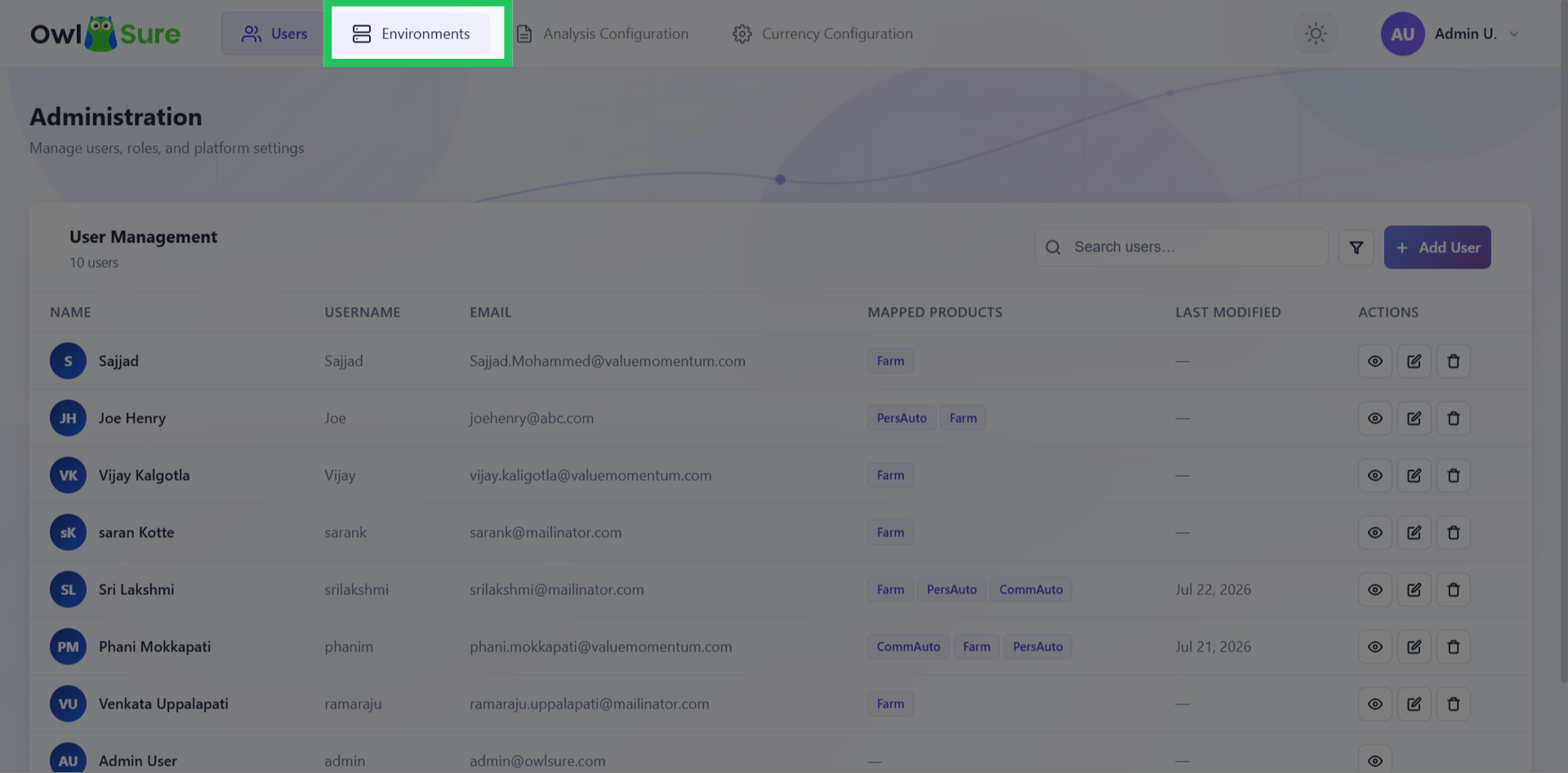
Access Environments Section
On the homepage, click "Environments" in the top navigation bar to access the environments management section within the OwlSure What-If admin panel.
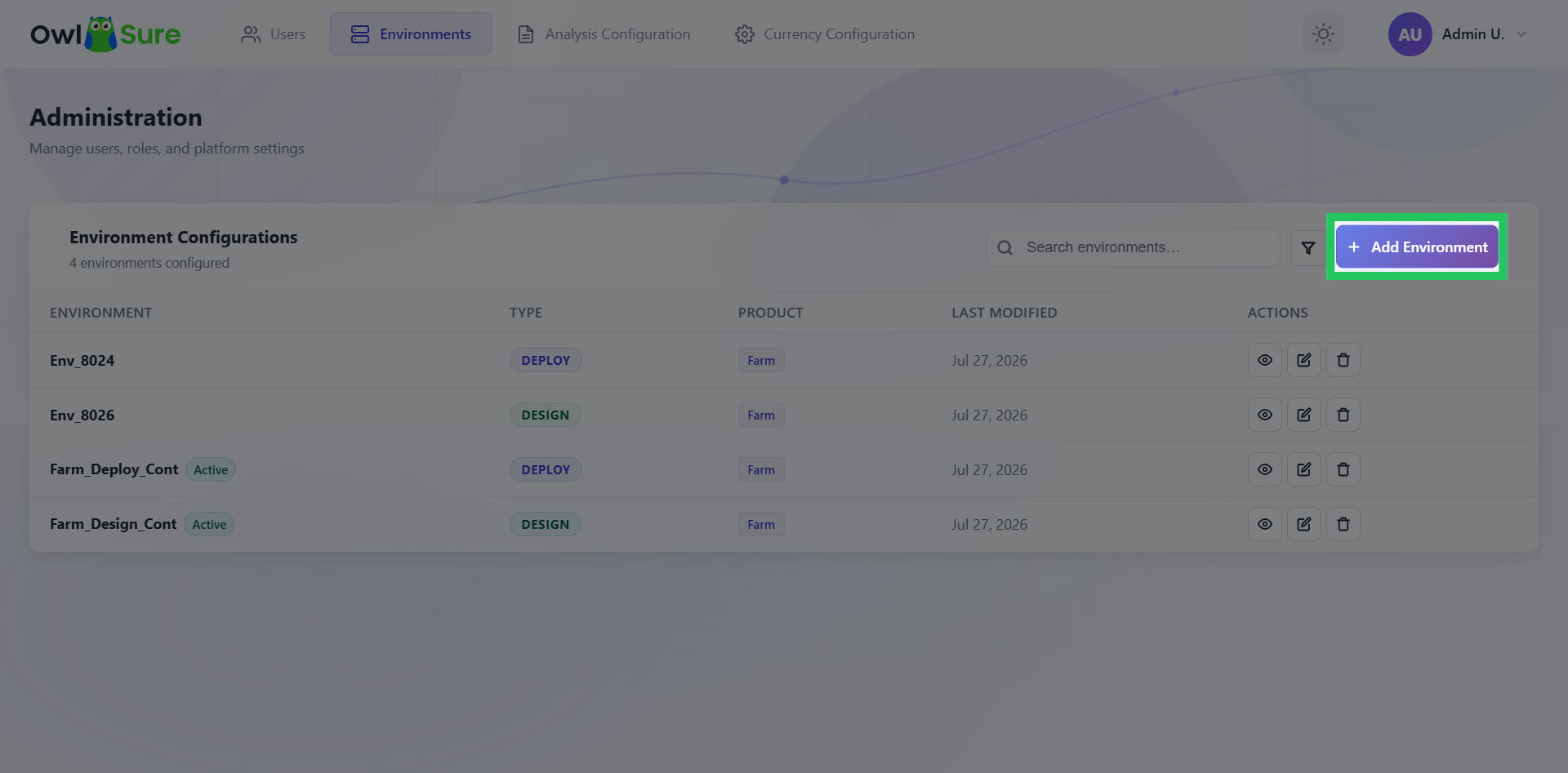
Creating a New Environment
Click "Add Environment" located in the top right section of the grid to begin creating a new environment configuration.
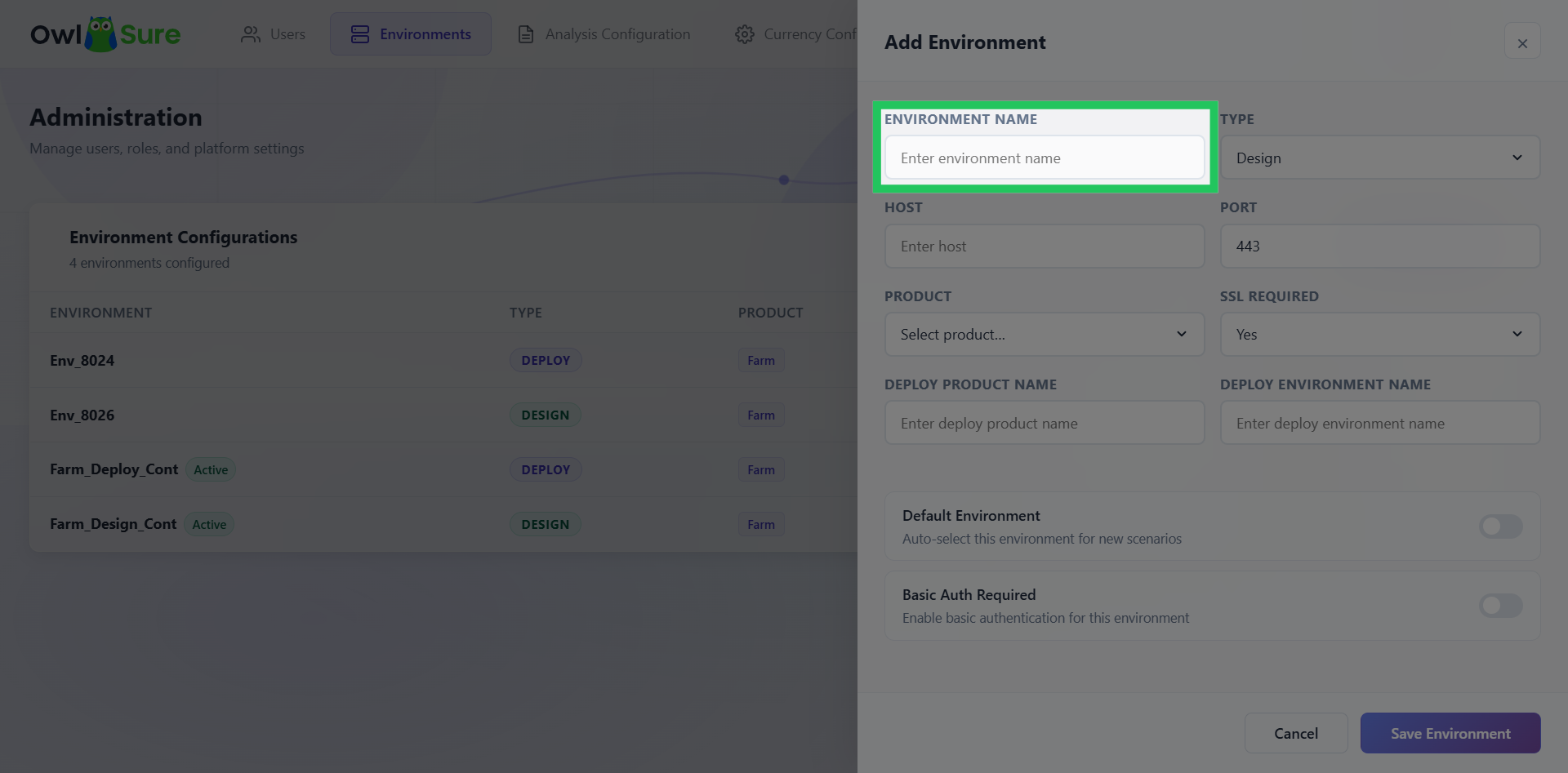
Input Environment Name
In the input field, please enter the name for the new environment to be configured.
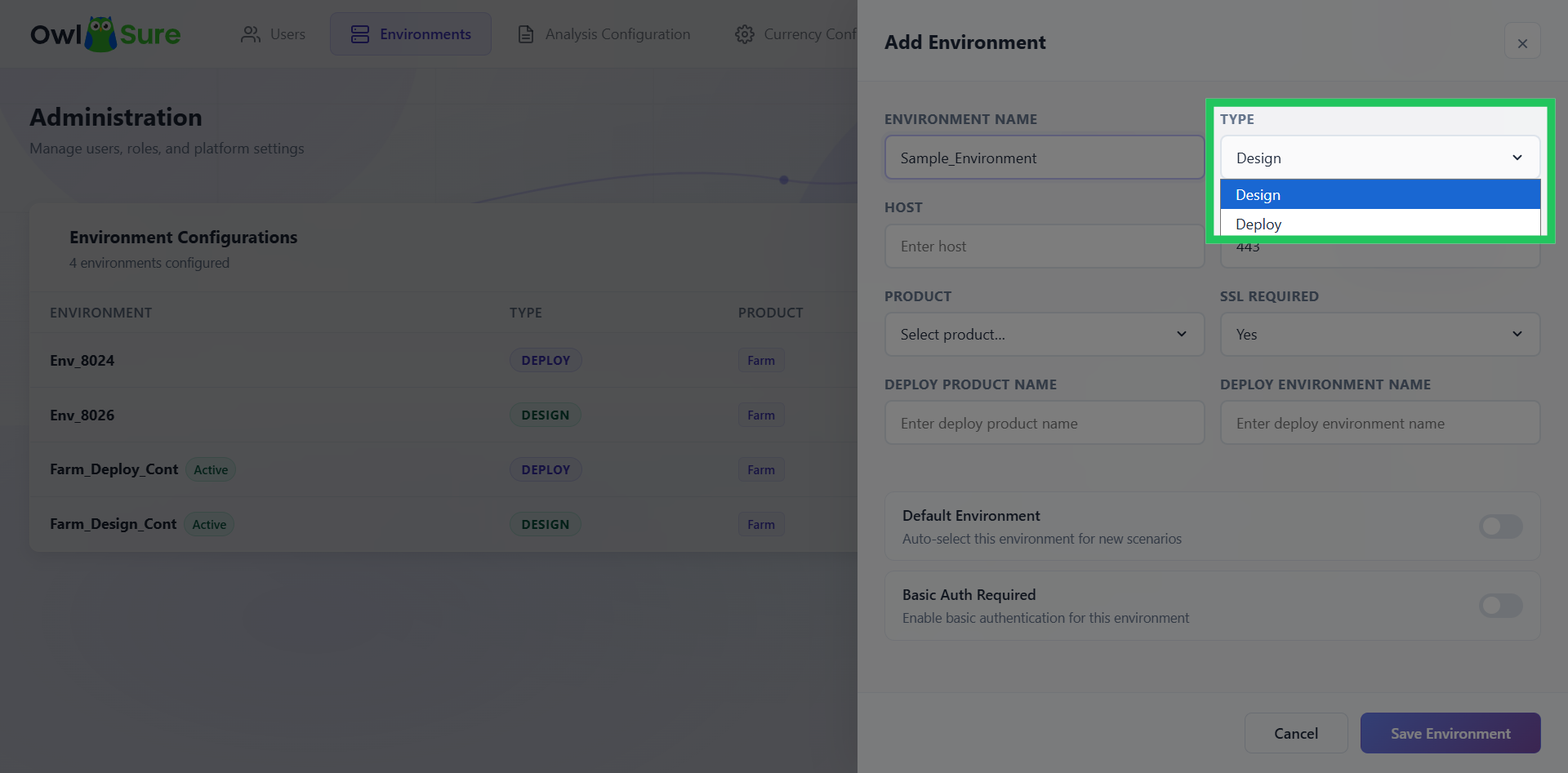
Select Environment Type
Choose the environment type, i.e., Design or Deploy, from the drop-down menu.
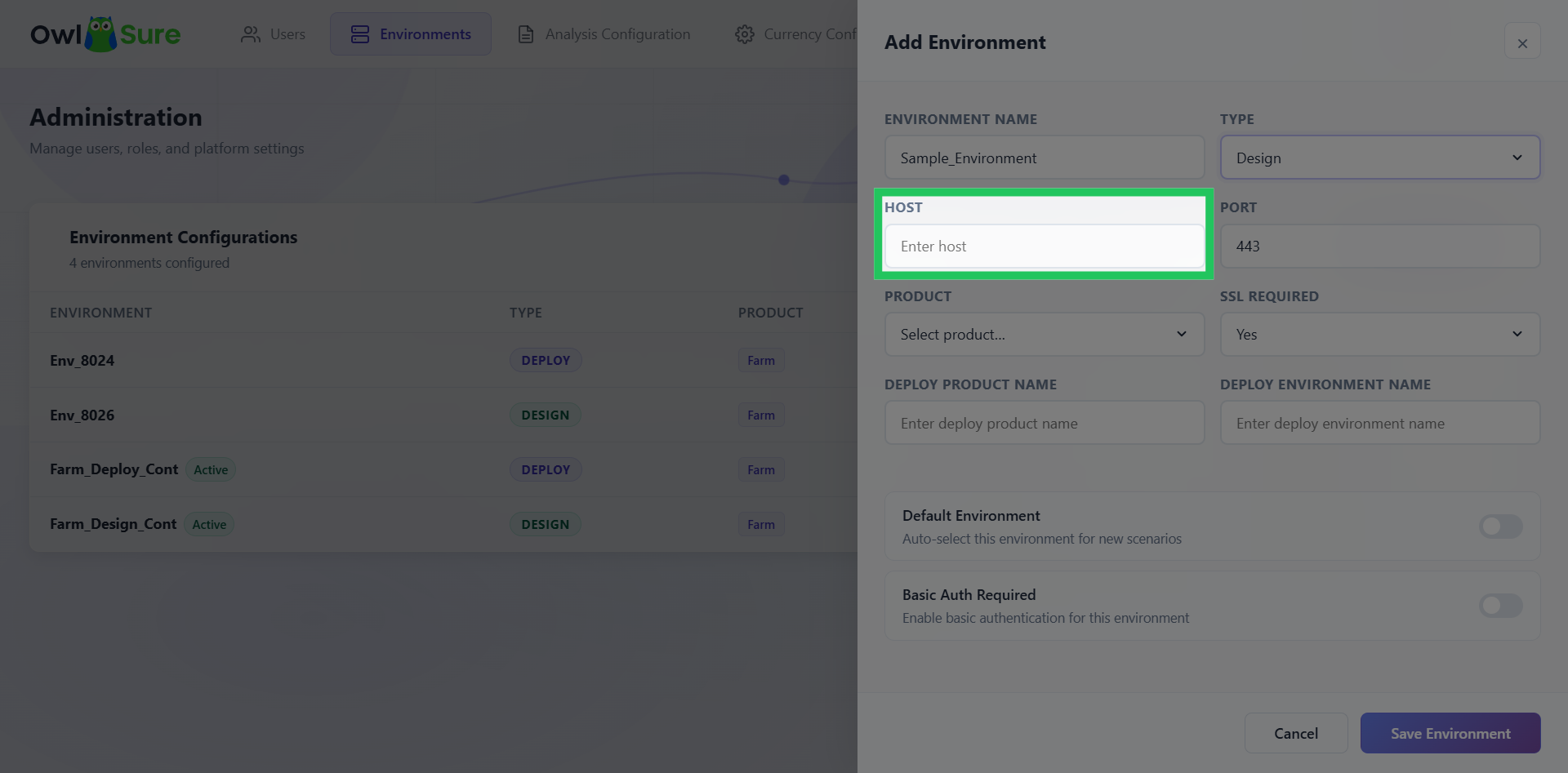
Input Host Address
Specify the host address required for connection.
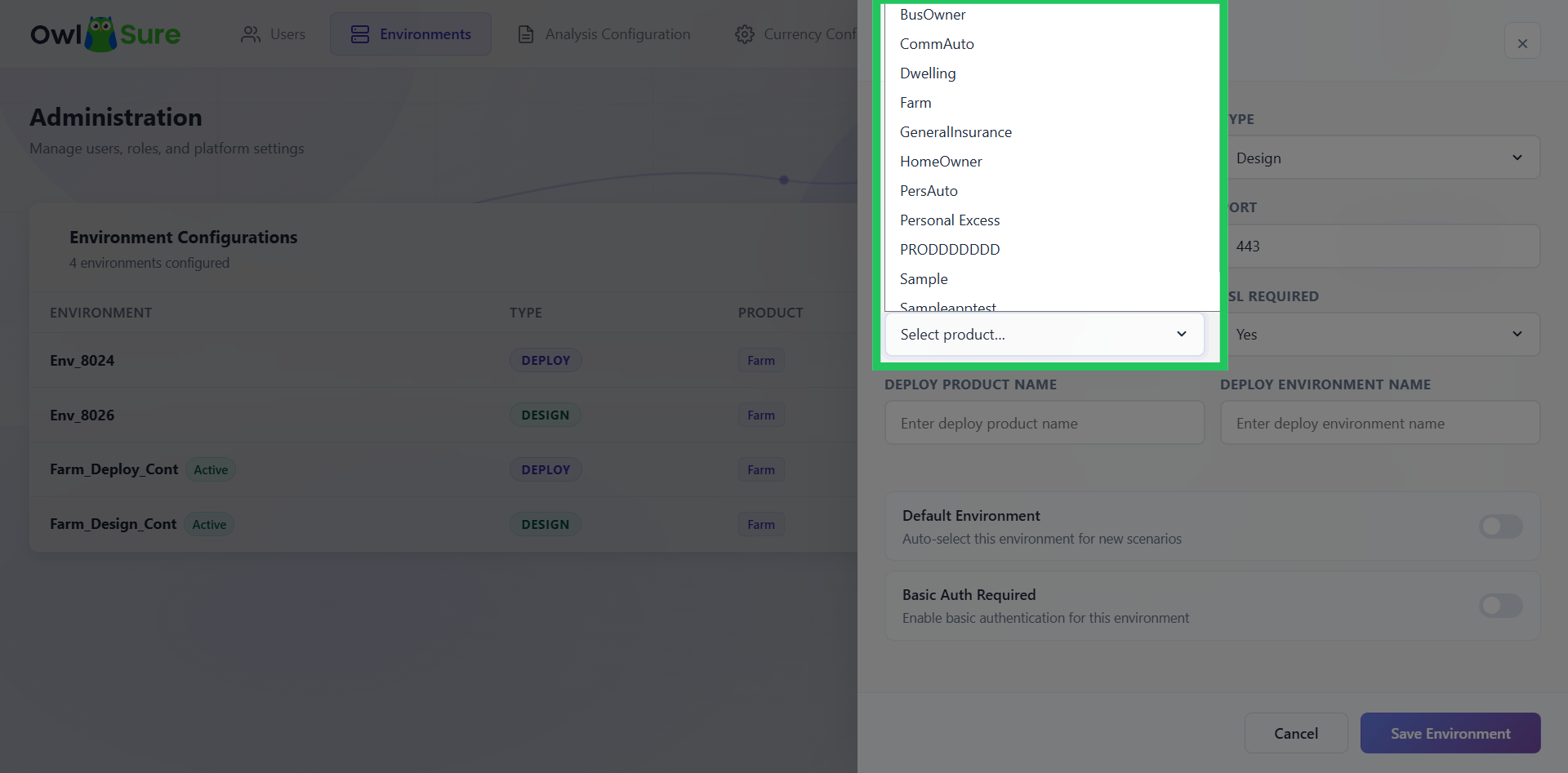
View Available Products
Click the Product Selection dropdown to view available products for the environment.
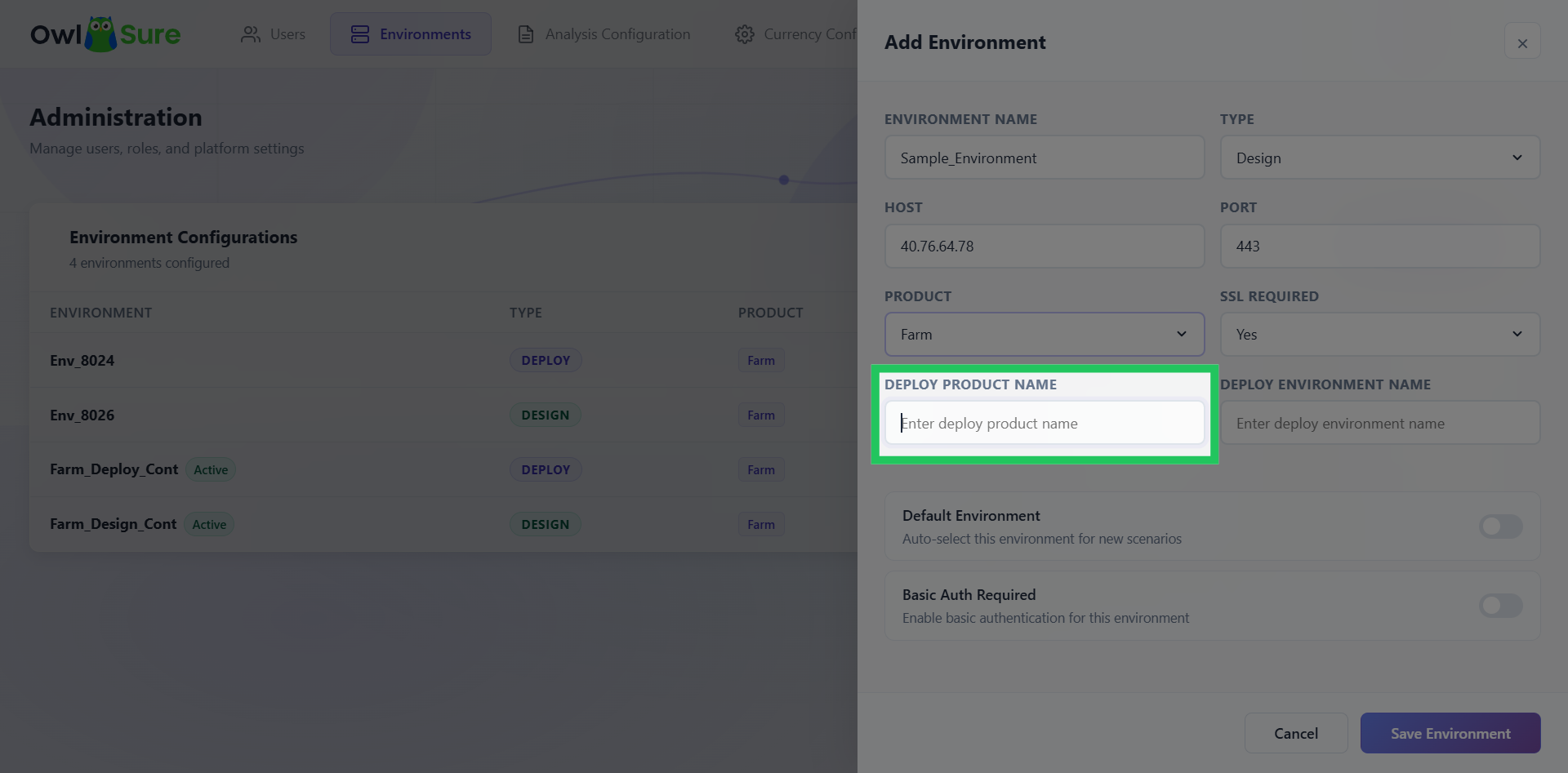
Enter Deploy Product Name
Enter the Deploy Product Name to associate the product with the new environment.
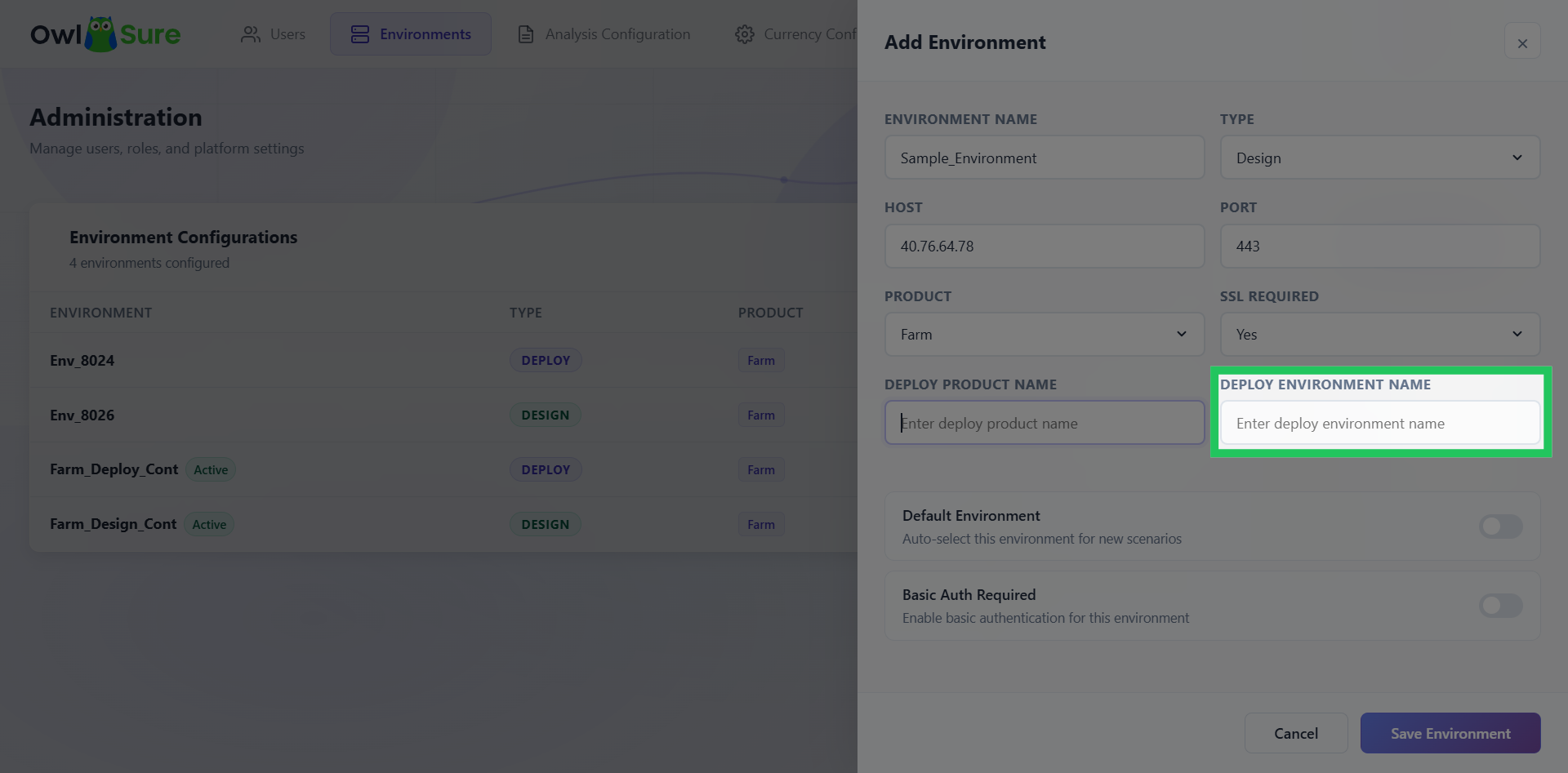
Specify the Deploy Environment Name
Enter the Deploy Environment Name to associate the deployment environment with the new environment.
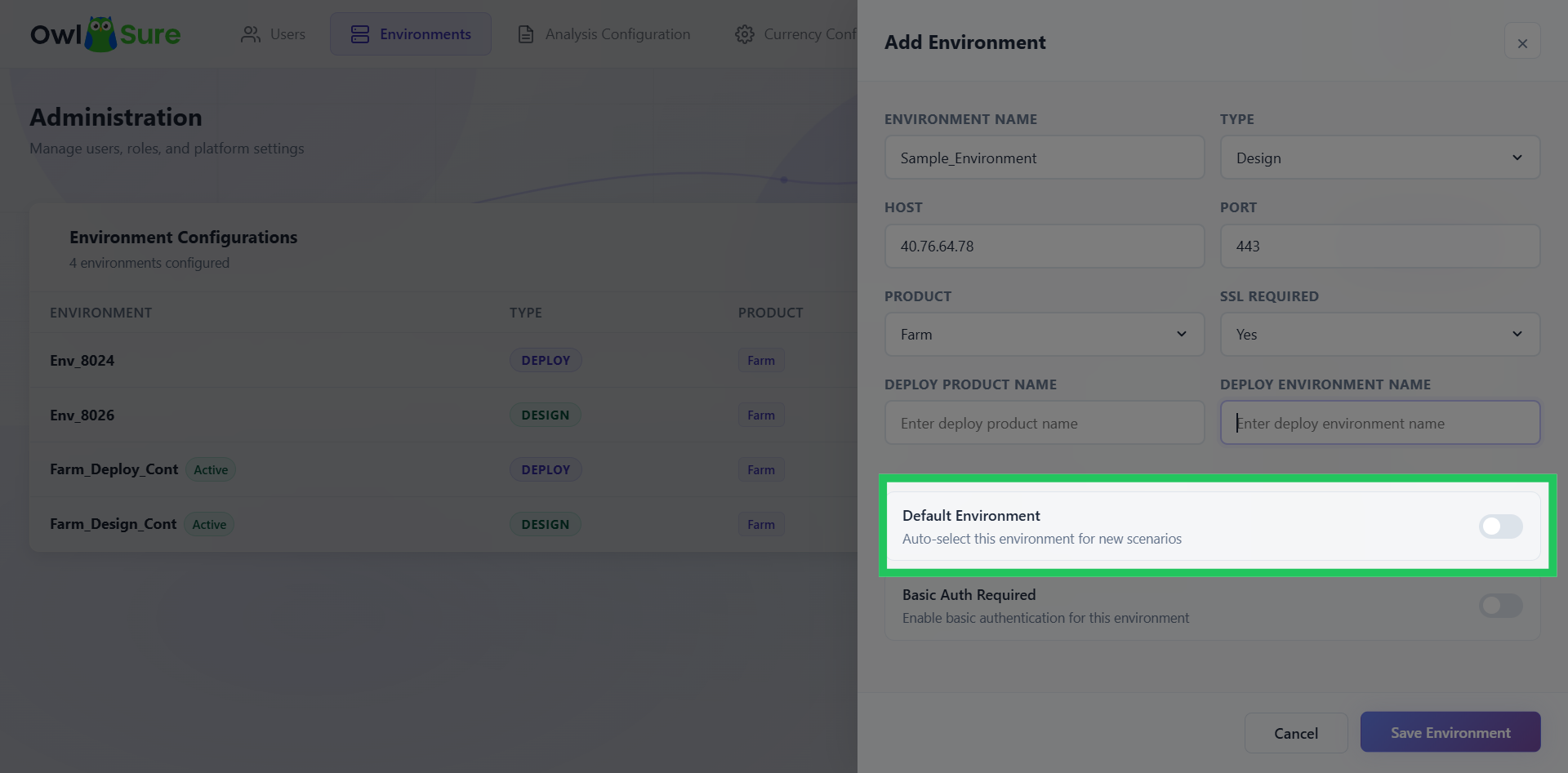
Default Environment
Select whether the new environment should be configured as the default environment.
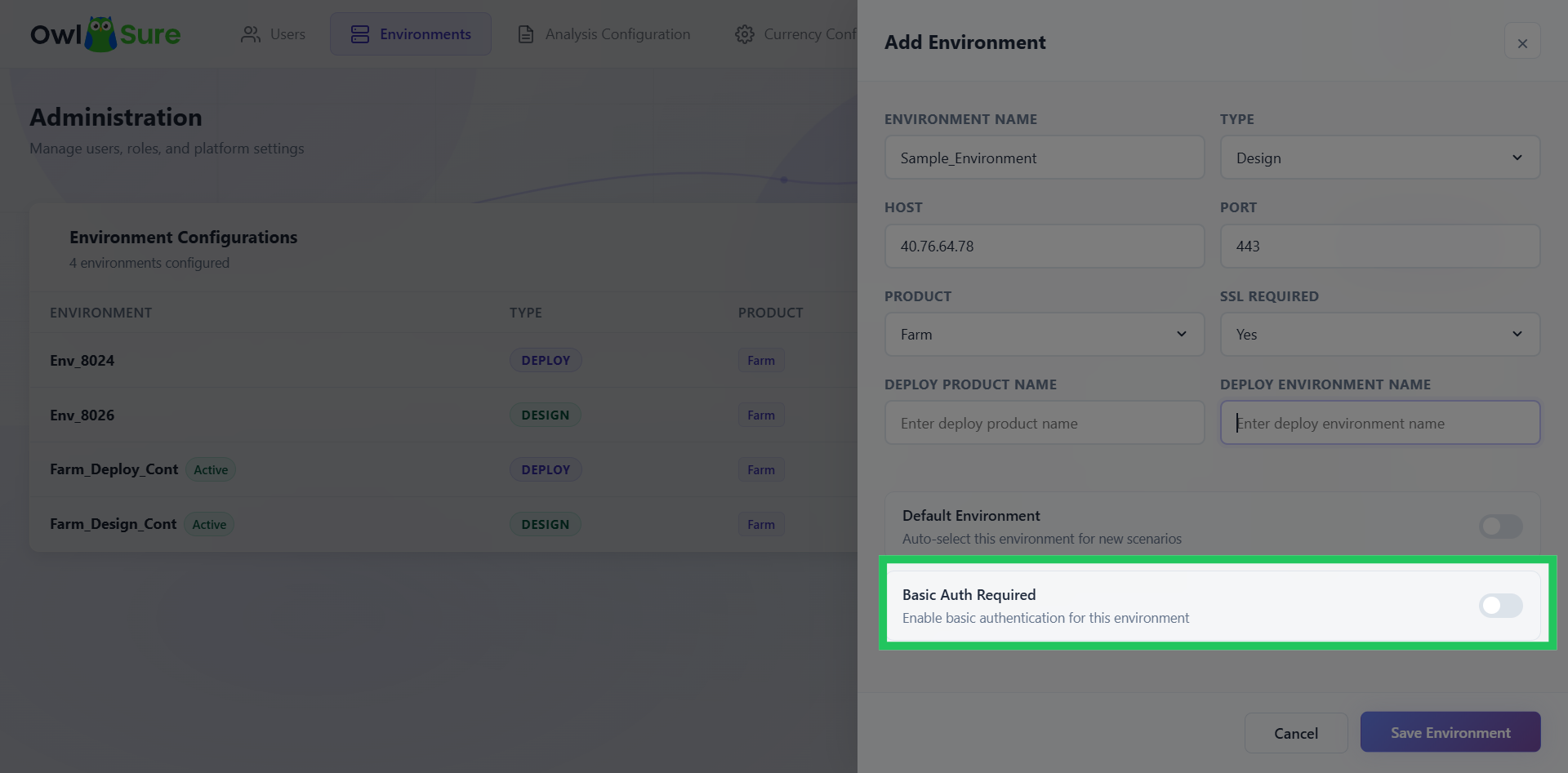
Configure Basic Authentication
Choose whether Basic Authentication is required for the environment. Enable this option to require basic authentication for access using the toggle switch, or disable it if authentication is not required.
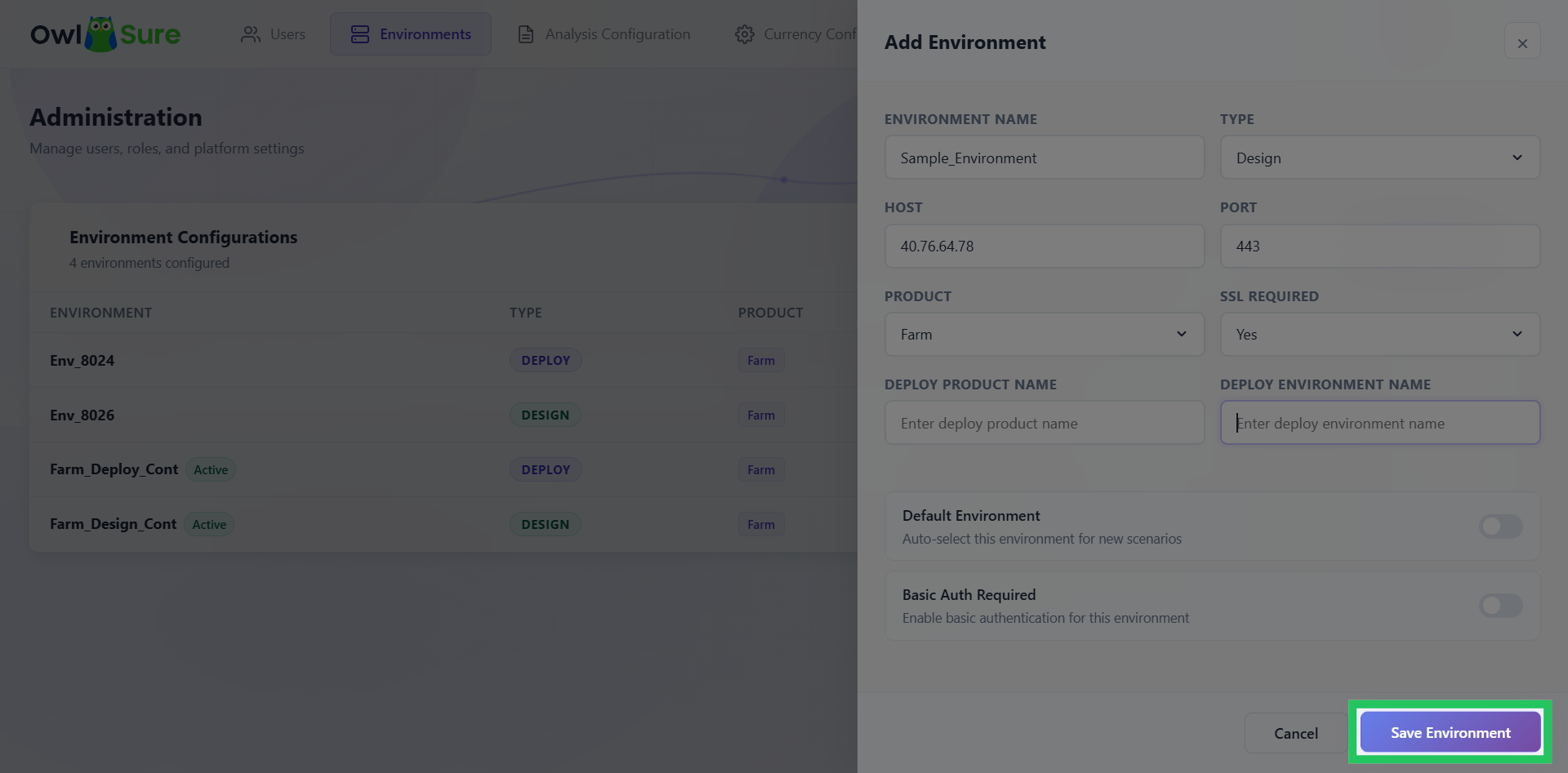
Save Environment Configuration
Click "Save Environment" to finalize and save the new environment settings.