Building a Scenario
Building a scenario involves four steps: selecting a product and plan, selecting a Book of Business, configuring assumptions, and saving or executing the scenario.
Selecting a Product and Plan
Select the Line of Business and the associated rate plan to scope the scenario. This determines the rate tables and configuration options available in subsequent steps.
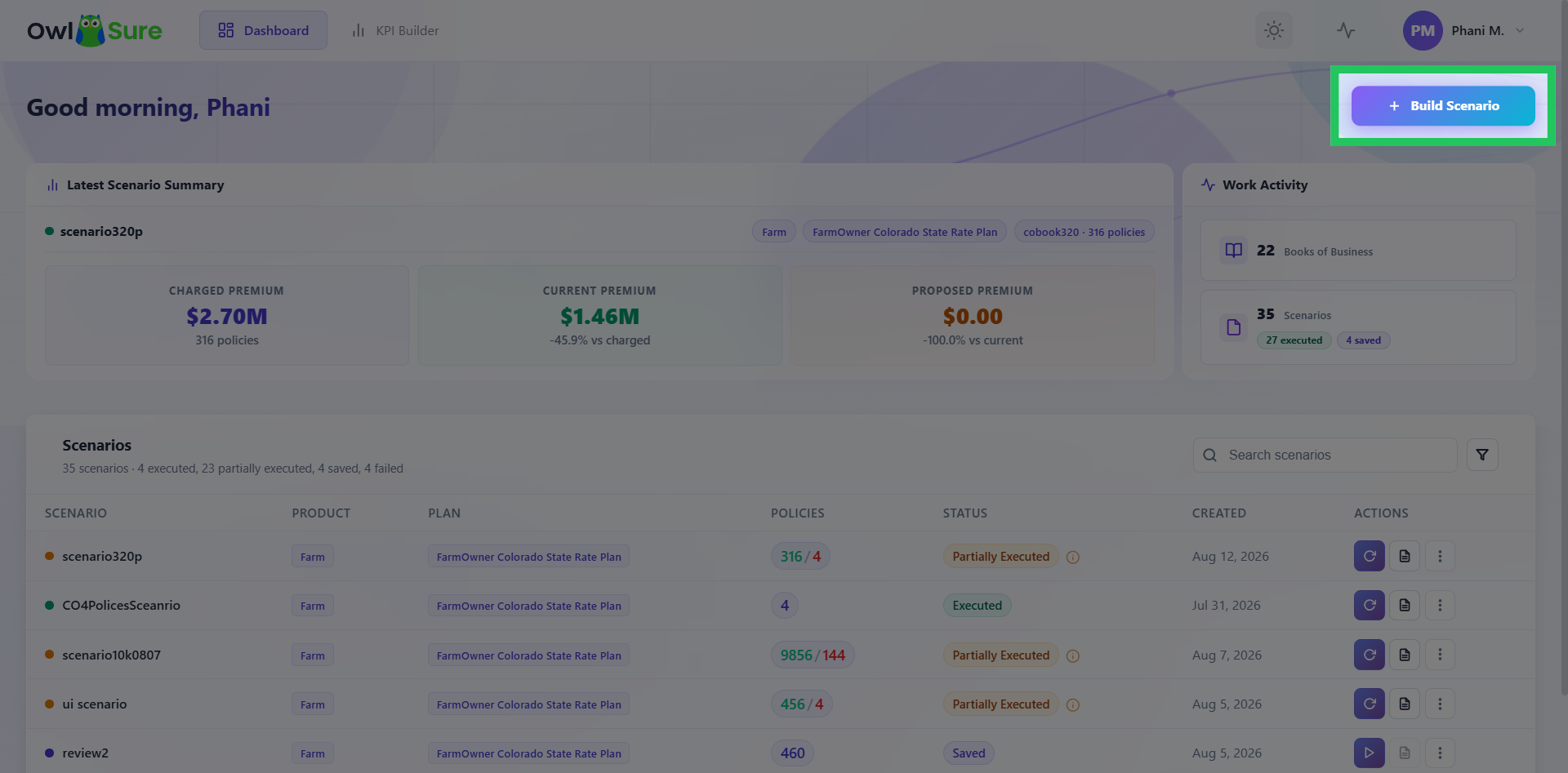
Select a Product and Plan
Click Build Scenario to begin. This opens the scenario creation workflow.
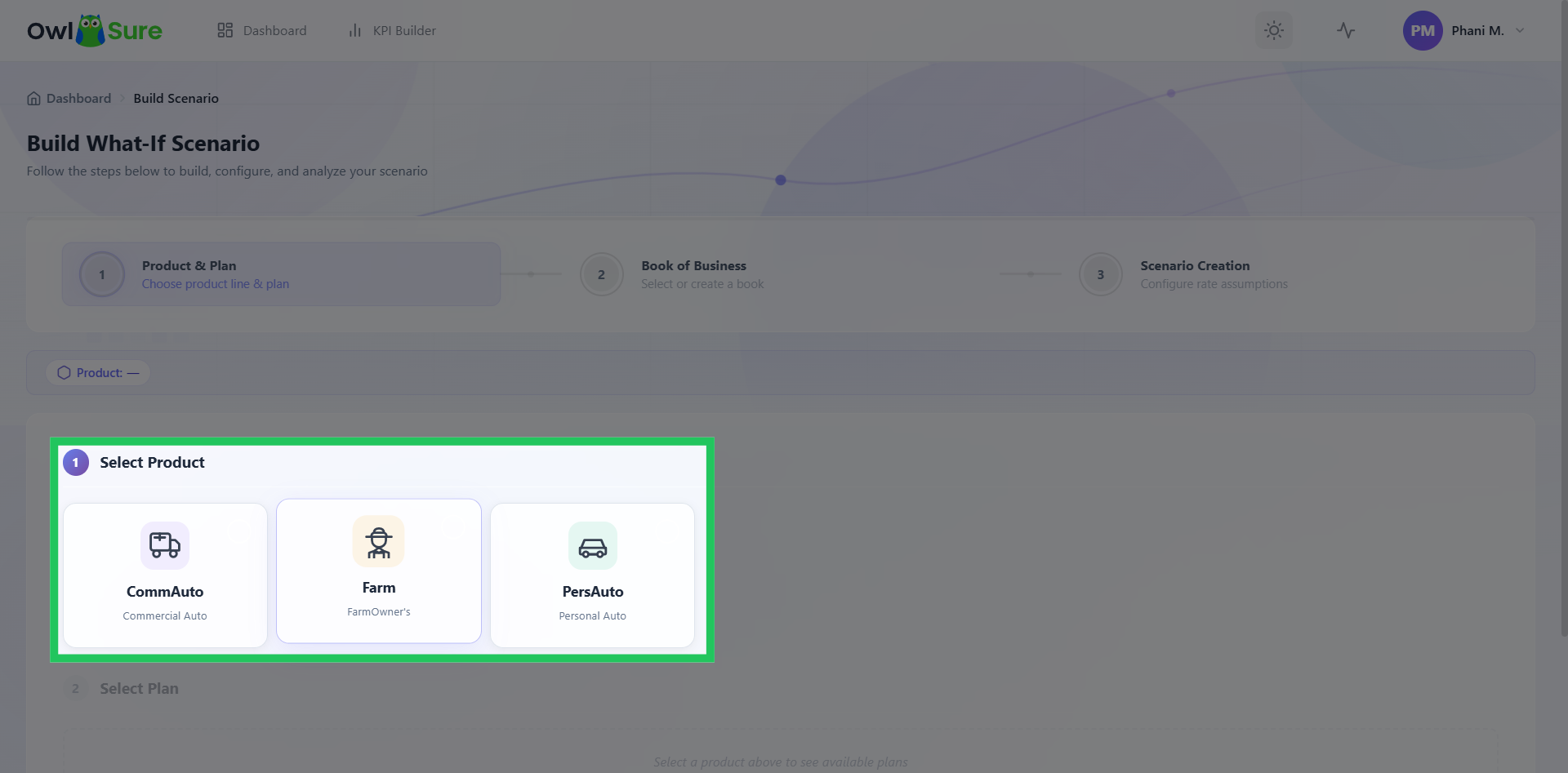
Select a Product
Depending on the products configured for your environment, select the relevant product to continue with the scenario setup. The selected product determines the plans and other options available in the subsequent steps.
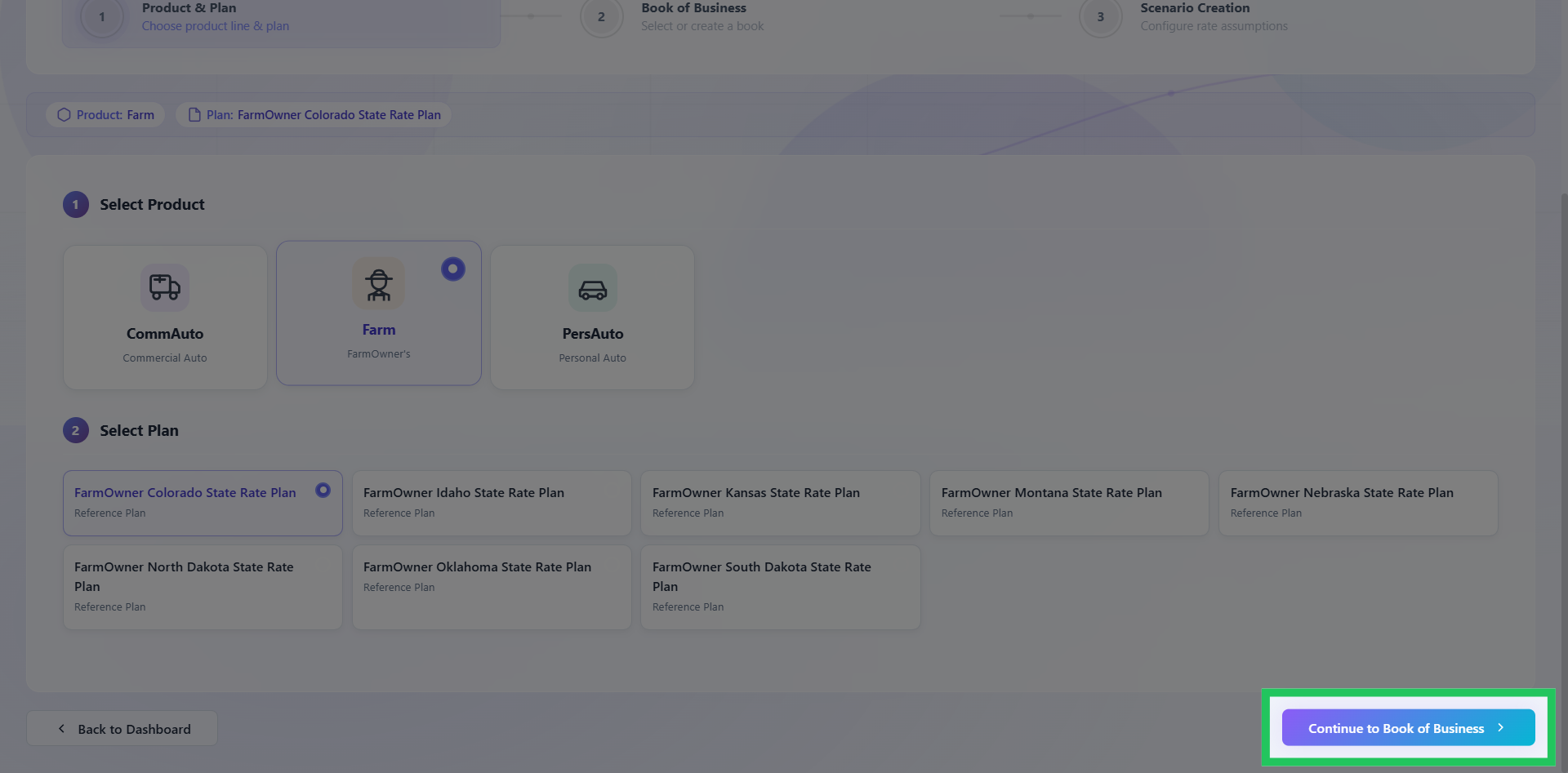
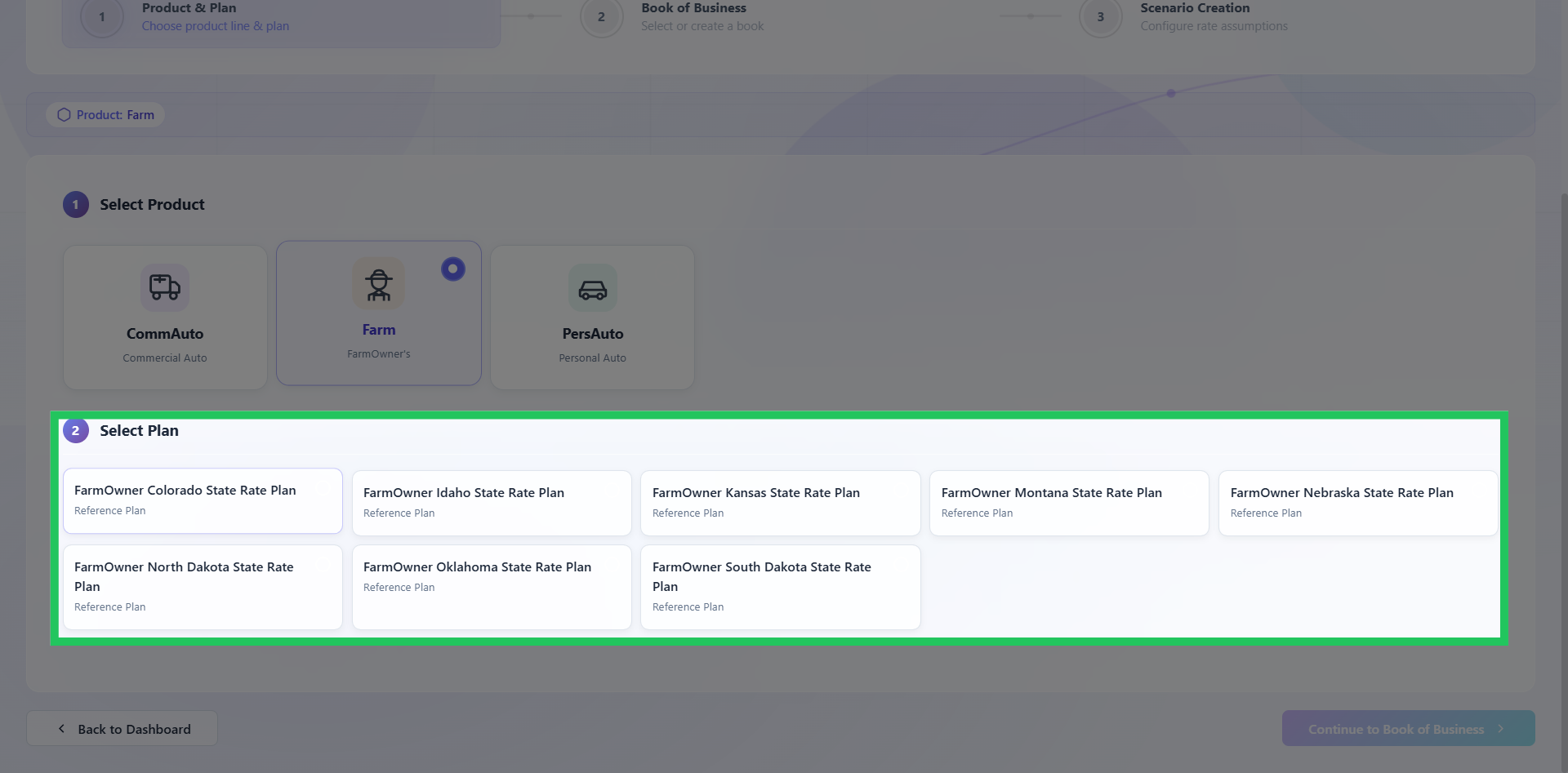
Select a Rate Plan
Choose the applicable Rate Plan for the selected product. The rate plan establishes the rating context for the scenario and determines the relevant configuration available for analysis.
Proceed to Book of Business
Click Continue to Book of Business to move to the next stage of the scenario setup.