Configure KPI Profiles

KPI Profiles enable business users, actuarial teams, and analysts to define reusable analytical dimensions, reporting structures, and insight configurations across multiple products and report types. A profile is configured for a specific product and report type, with the relevant attributes selected to ensure analysis is aligned with the intended business requirements. Profiles can be reused across portfolio analysis, premium impact evaluation, slice-and-dice reporting, and What-If scenario analytics.
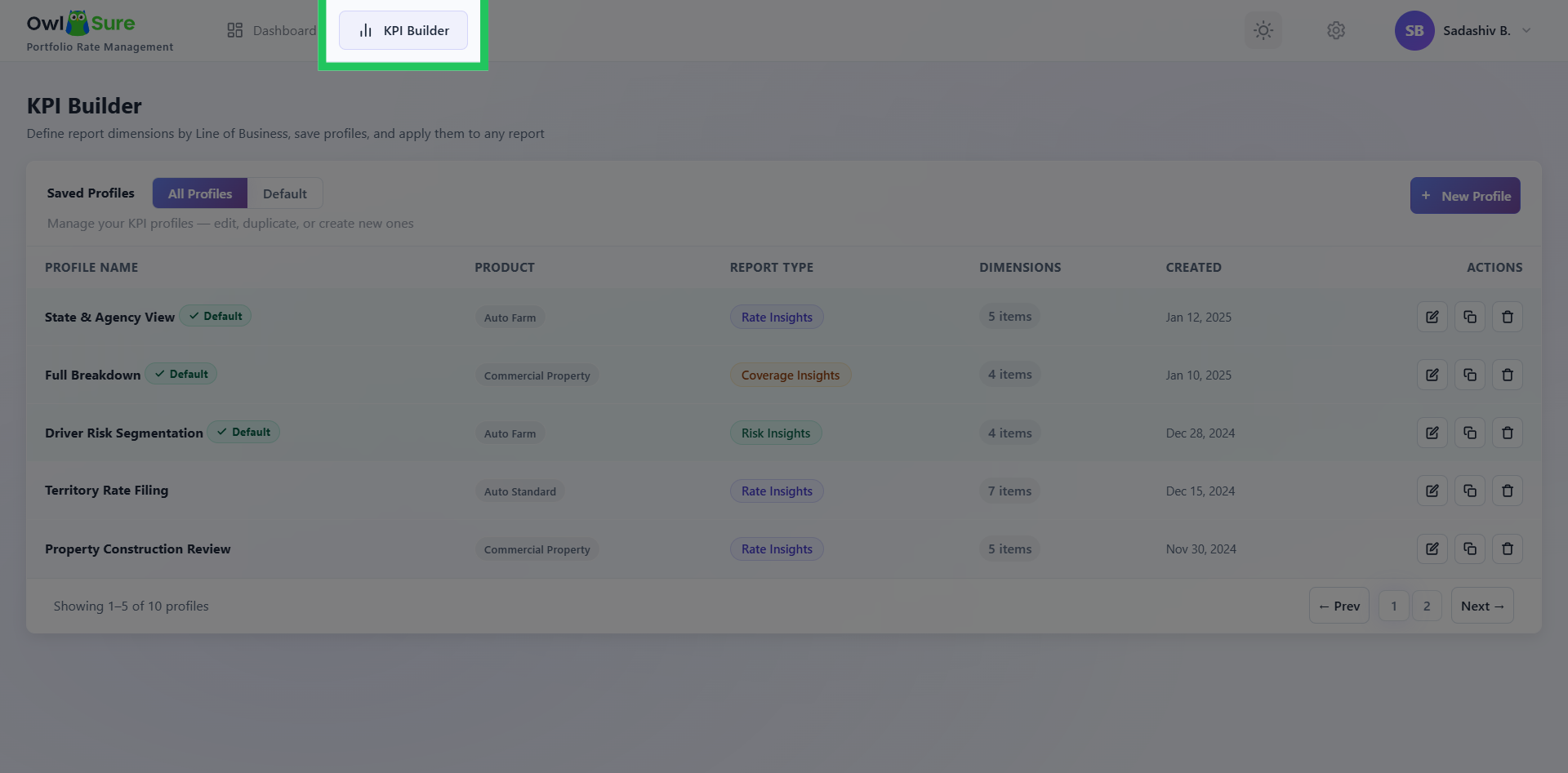
Access KPI Builder
Click "KPI Builder" to open the KPI configuration interface within OwlSure Portfolio Rate Management.
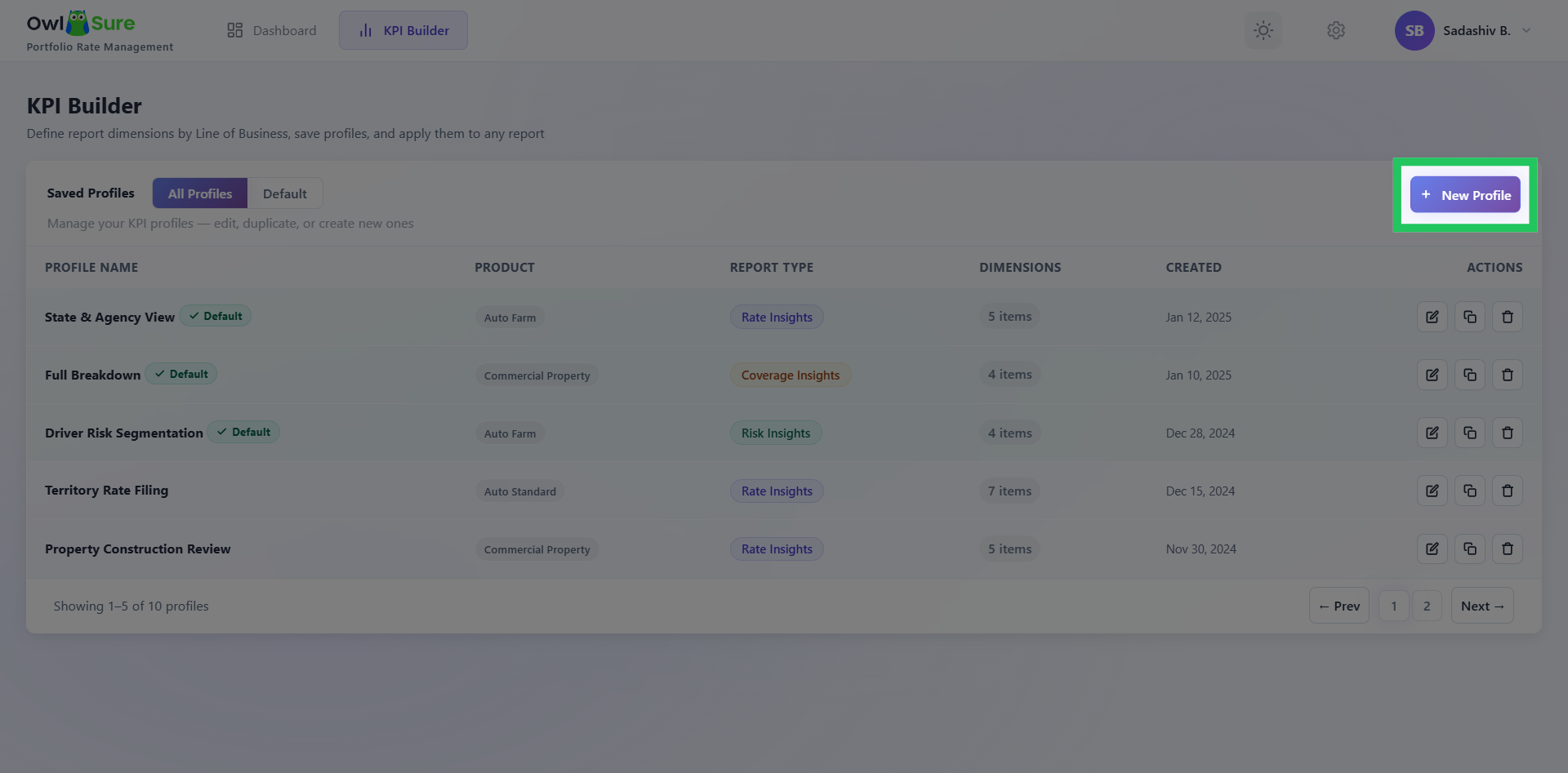
Create a New KPI Profile
Click the New Profile to create a new profile for KPI configuration.
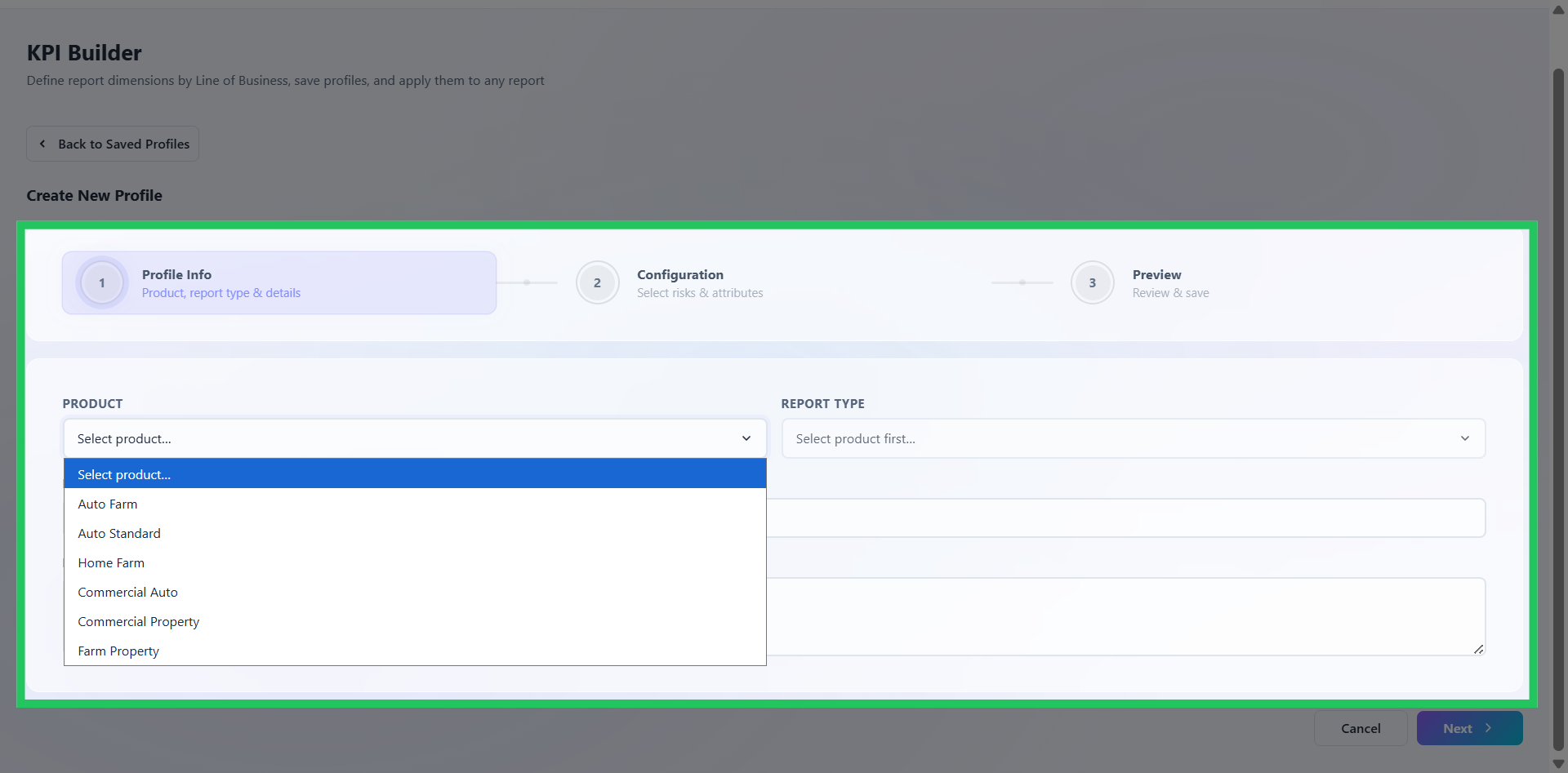
Define Profile Information
On the profile configuration page, provide the information required to establish the profile: Product – Select the applicable product for which the KPI profile will be used. Report Type – Select the report type to associate with the profile. The selected report type determines the context in which the configured KPIs and attributes will be applied. Profile Name – Enter a meaningful name that clearly identifies the purpose of the profile. Description – Provide a brief description of the profile to document its intended use and business context. Review the information entered to ensure that the profile is correctly associated with the intended product and report type, then select Next to continue.
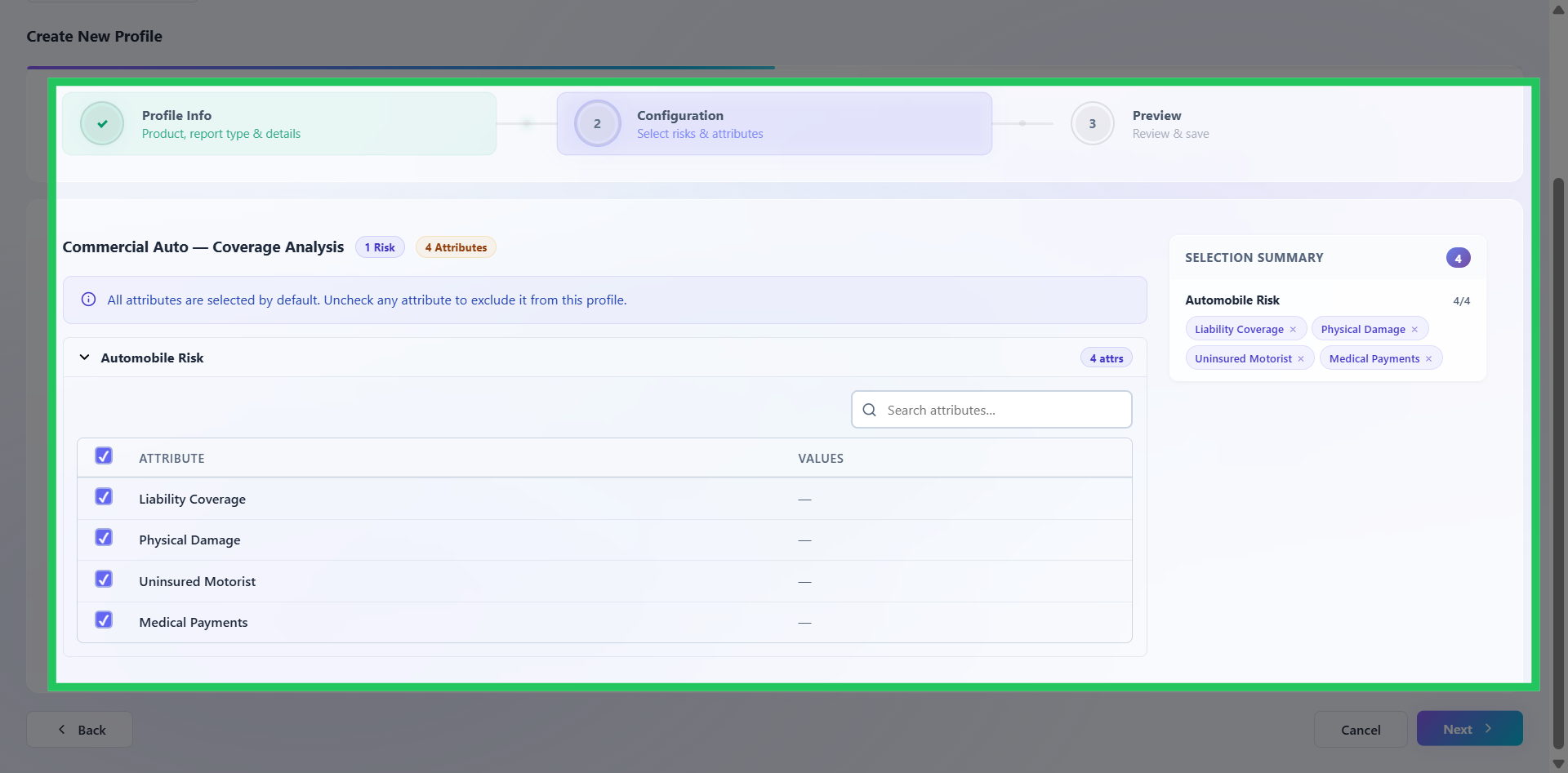
Select Profile Attributes
Select the checkboxes corresponding to the attributes you want to include in the KPI profile. Attributes determine the dimensions or characteristics available for analyzing and segmenting results within the associated report. Select only the attributes relevant to the intended analysis to keep the profile focused and meaningful. Once the required attributes have been selected, select Next to proceed.
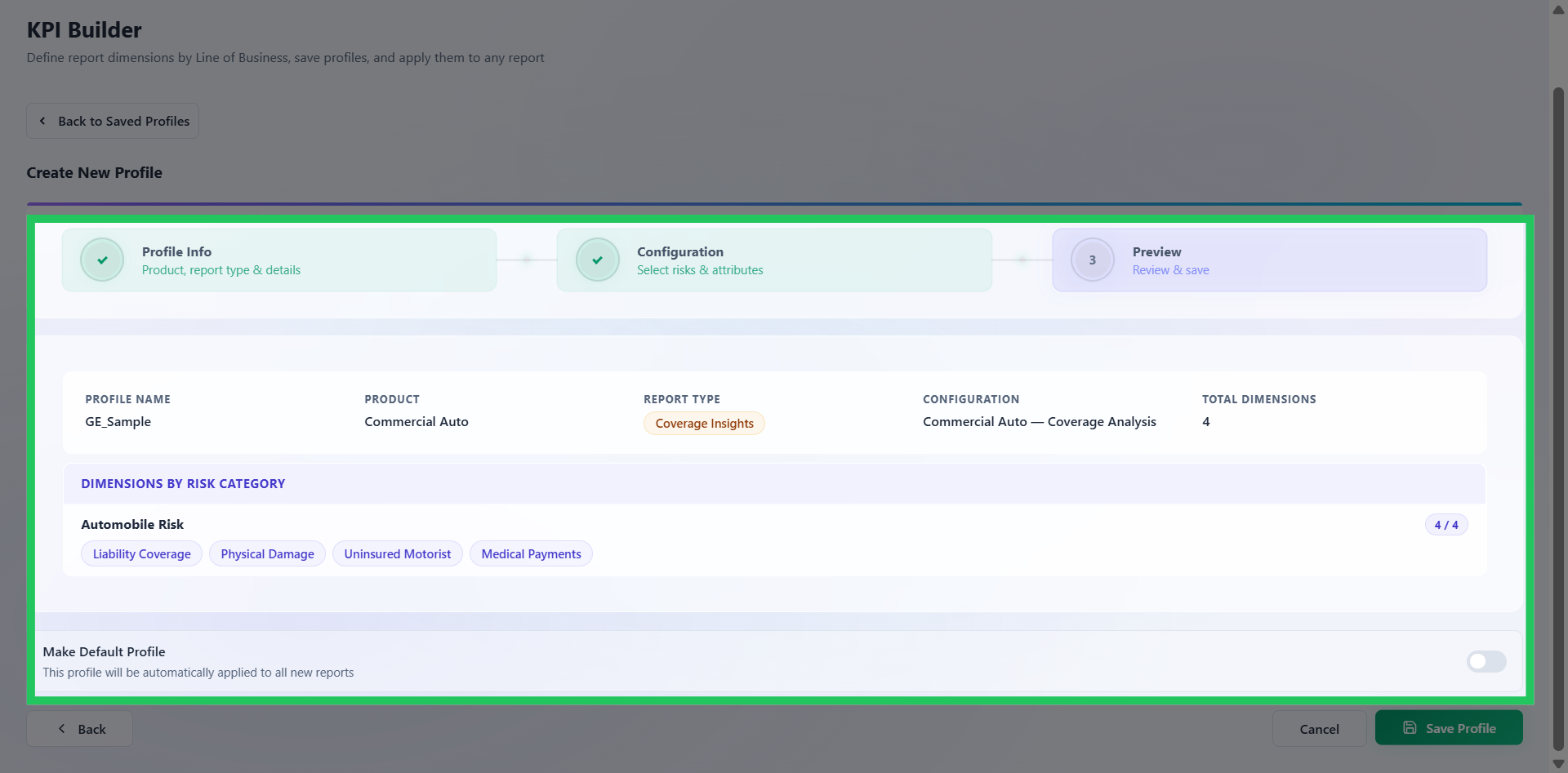
Review and Save Profile
The Preview section provides an opportunity to validate the profile before it is saved. Review the selected product, report type, profile information, and attributes to ensure that the configuration accurately reflects the intended reporting requirements.