Currency Configuration

This procedure outlines the steps to configure currency settings within the OwlSure What-If administration panel. It ensures accurate currency management for financial operations in the platform.
Open Currency Configuration
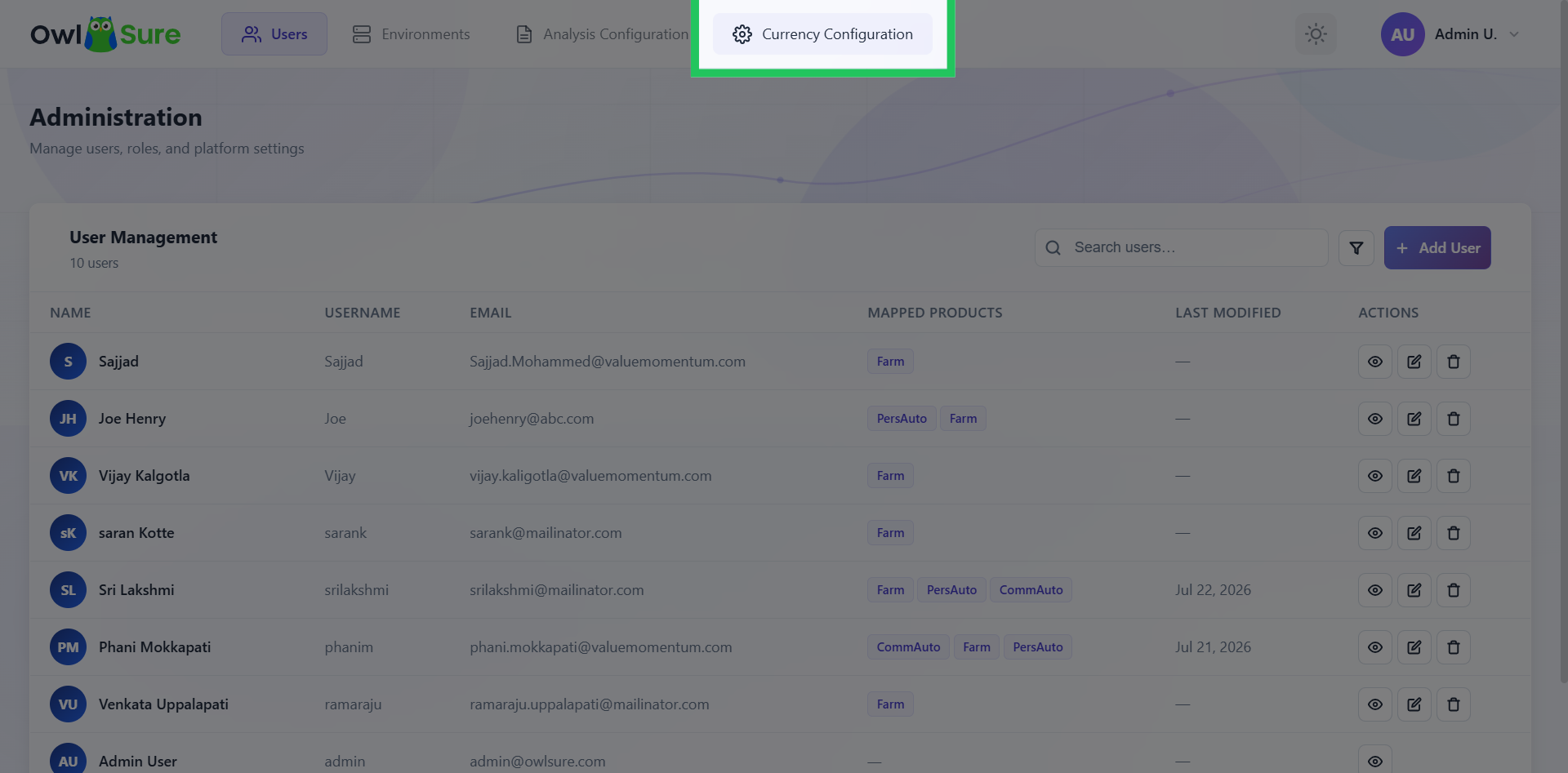
Click on Currency Configuration in the top navigation bar to access the currency management settings within the WhatIF panel.
Select Currency
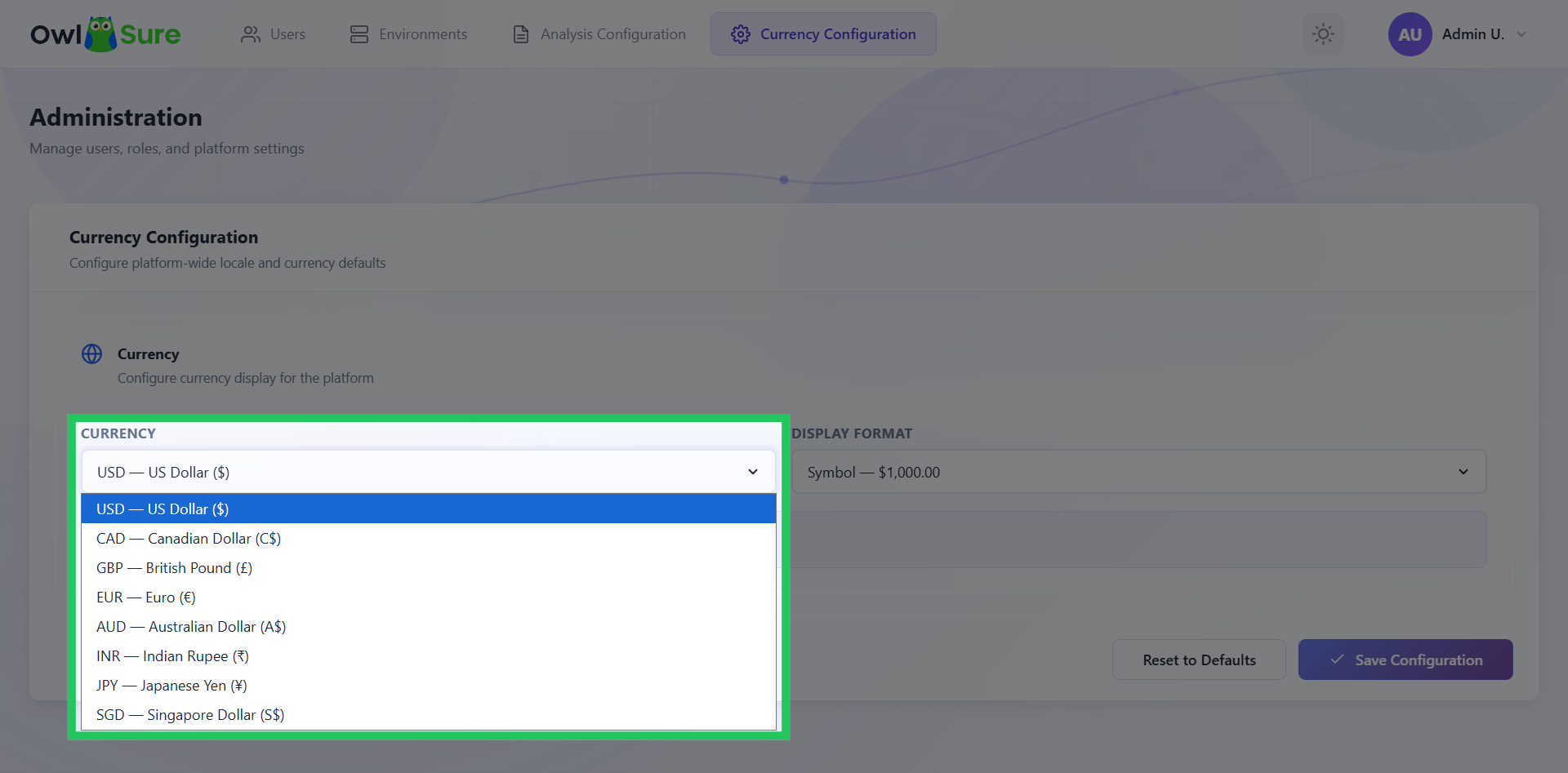
Click on the list of available currencies, which includes US Dollars, Canadian Dollars, Great British Pound, Euros, Australian Dollars, Indian Rupees, Japanese Yen, and Singapore Dollars, and select as needed.
Choose Display Format
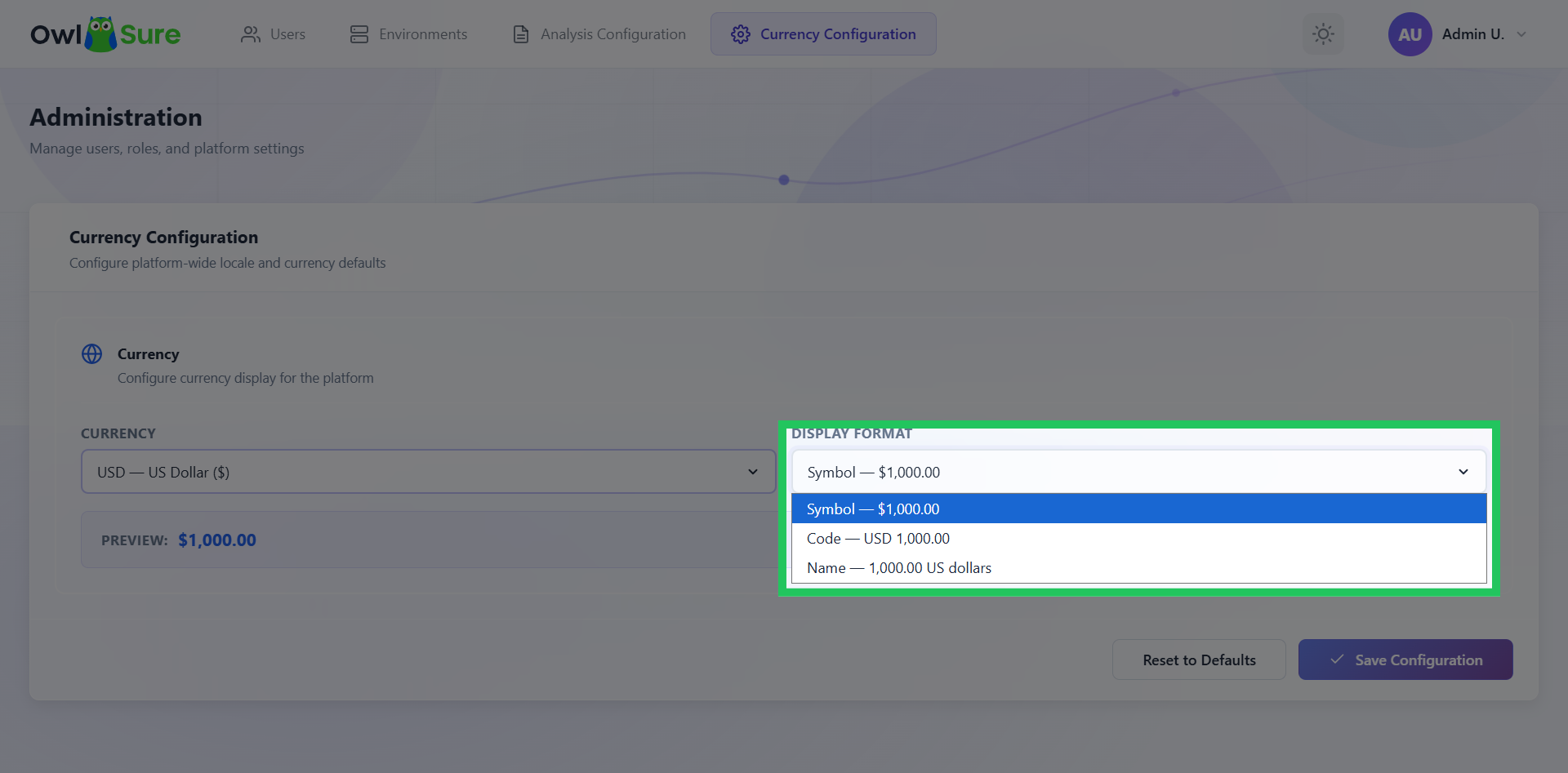
Click the display format drop-down menu to select how the chosen currency will be displayed. The available formats include: Symbol: $100,000 Code: USD 100,000 Name: 100,000 US Dollars
Save Currency Configuration
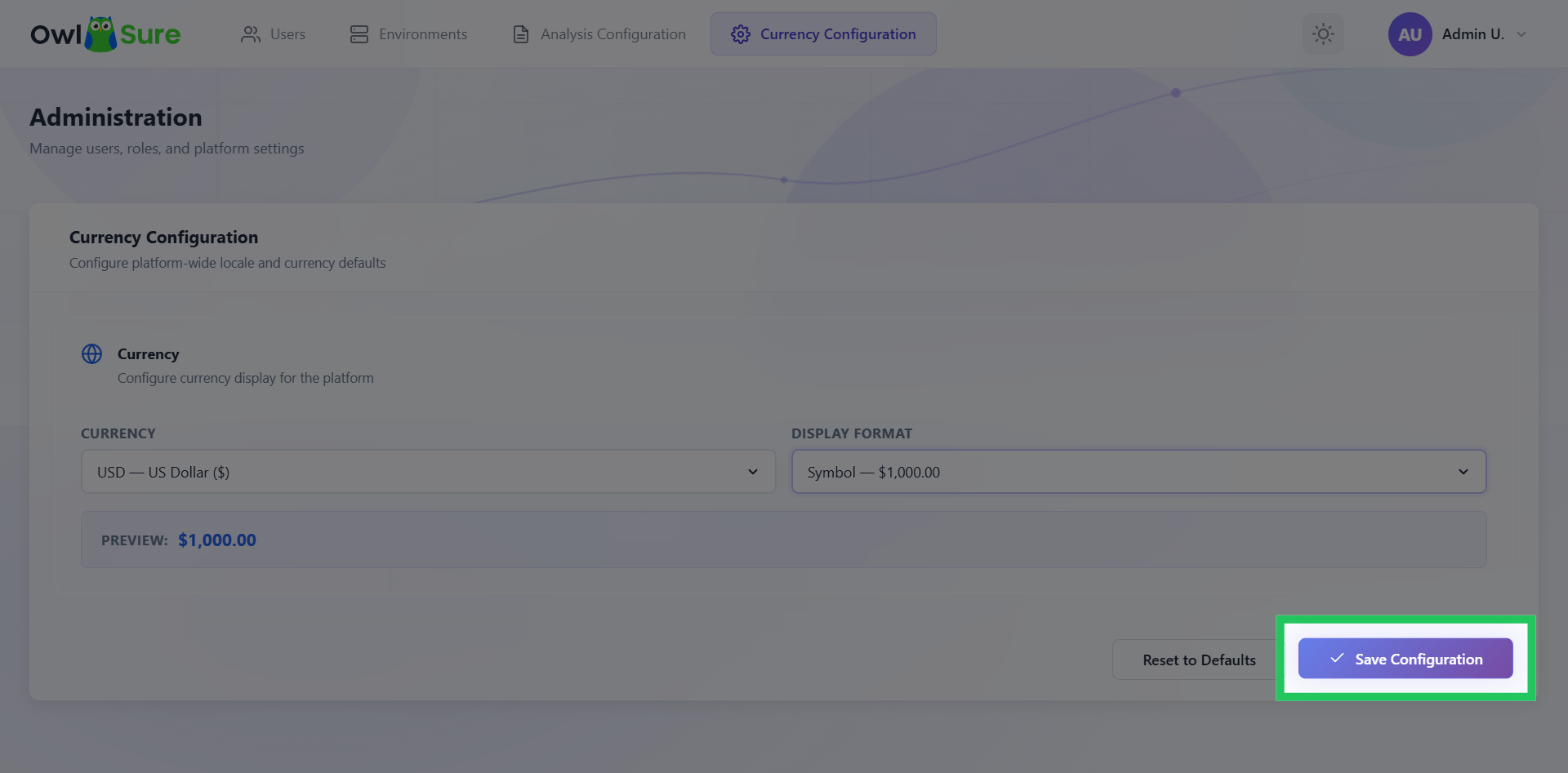
Click Save Configuration to apply and store the updated currency settings in the system.