Manage Environment Settings
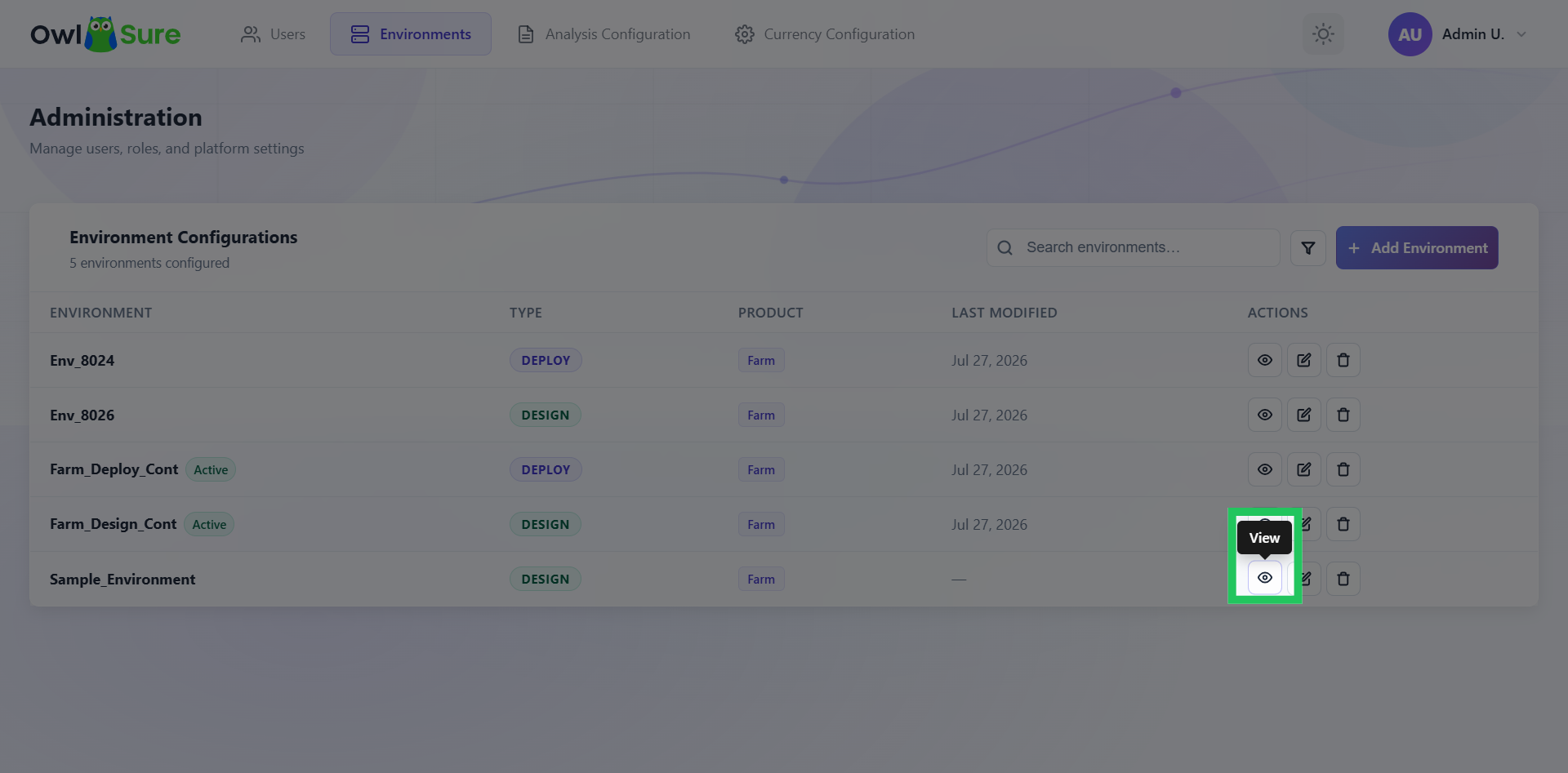
Configured environments can be managed using the available actions beside each environment name. These actions allow users to view environment details, update configuration settings, and remove environments when required.
View Environment Details
Click the icon located to the right of the environment name in the dashboard list.
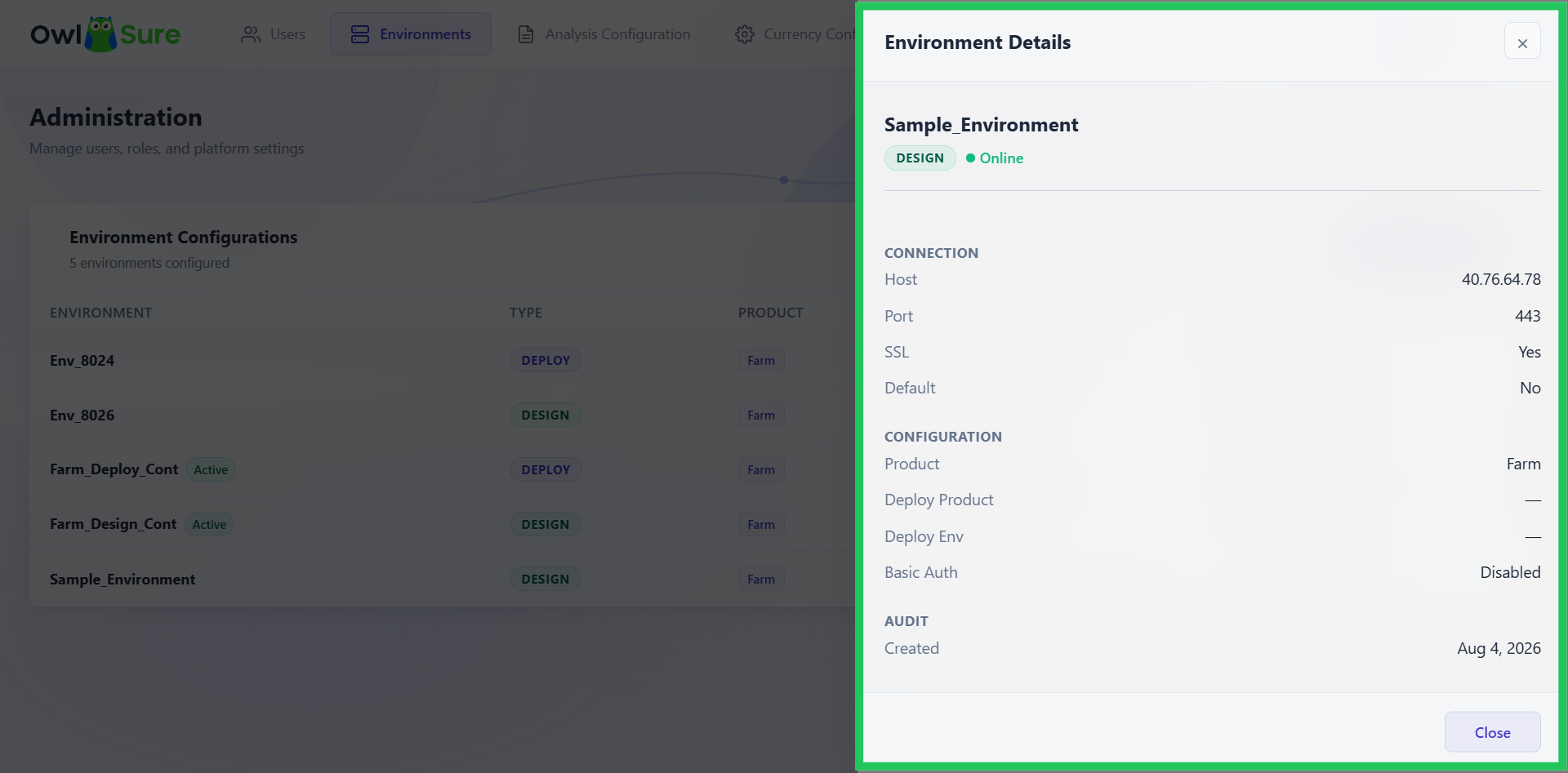
View Environment Details
The details of the configured environment are displayed.
Edit Environment Settings
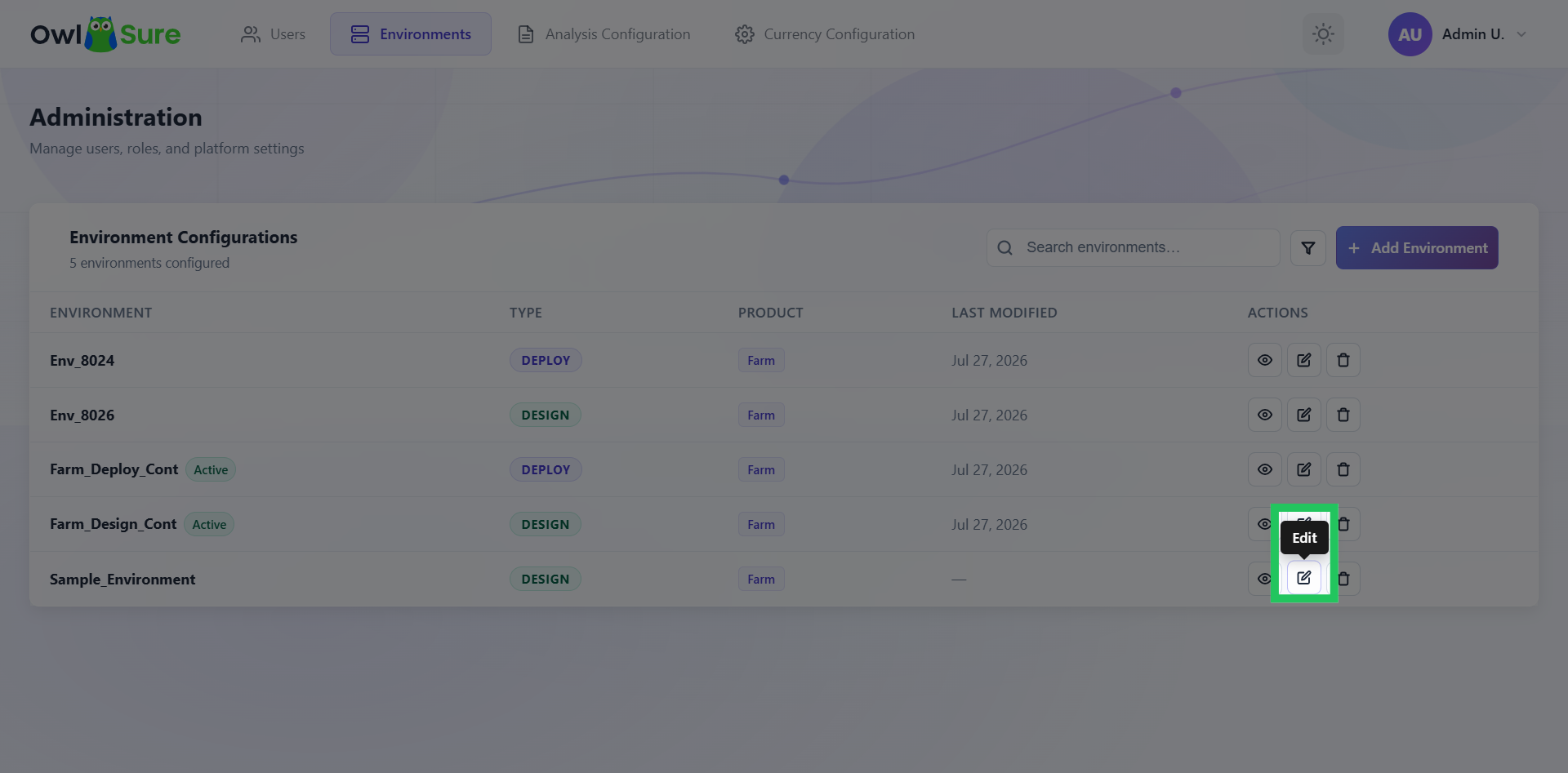
Click the Edit icon to modify the environment configuration details.
Modify Environment Settings
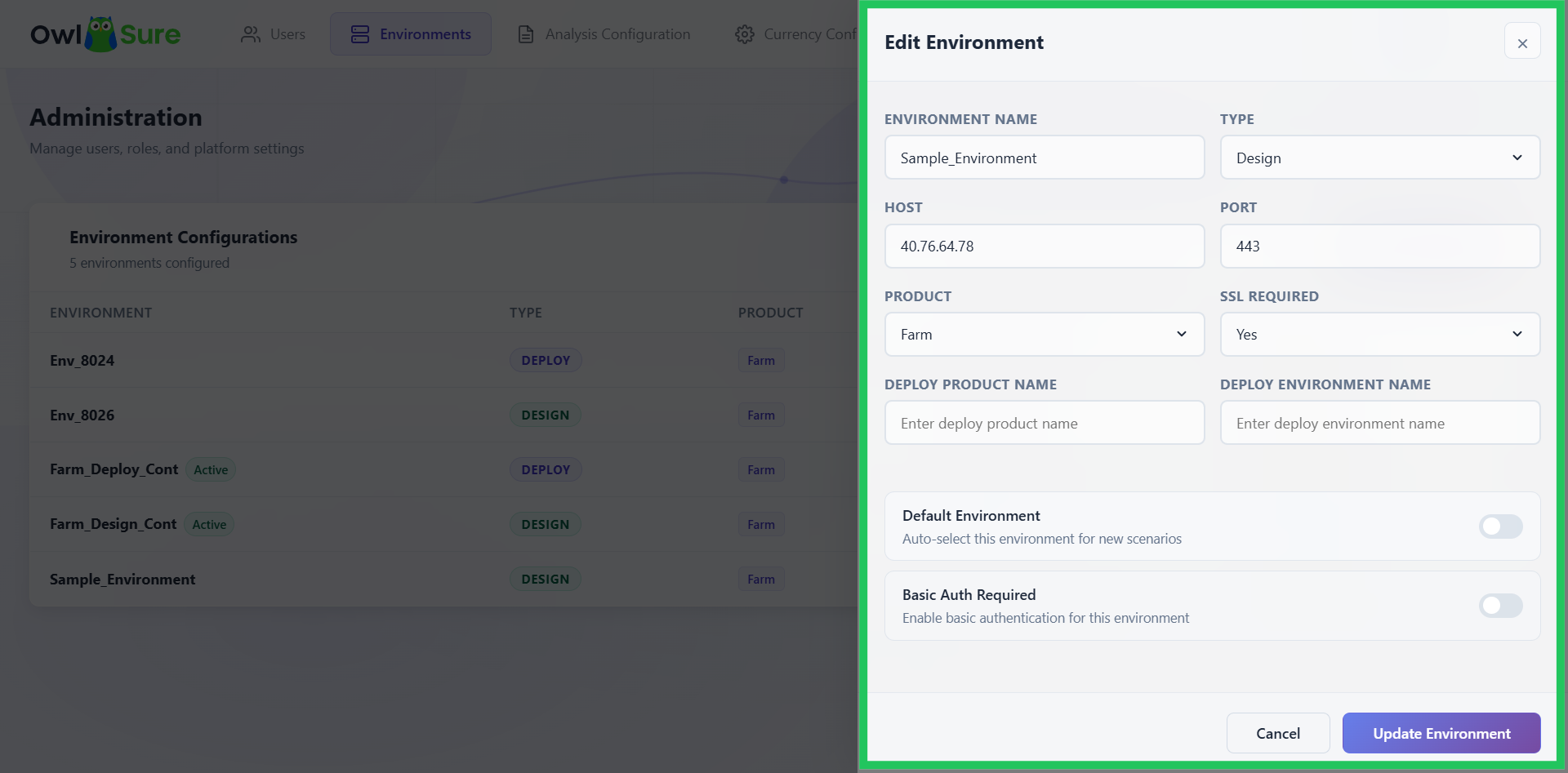
On clicking the edit icon, a sliding window appears that allows you to modify the environment configuration details. All the settings provided during environment creation can be updated as required.
Update Environment Settings
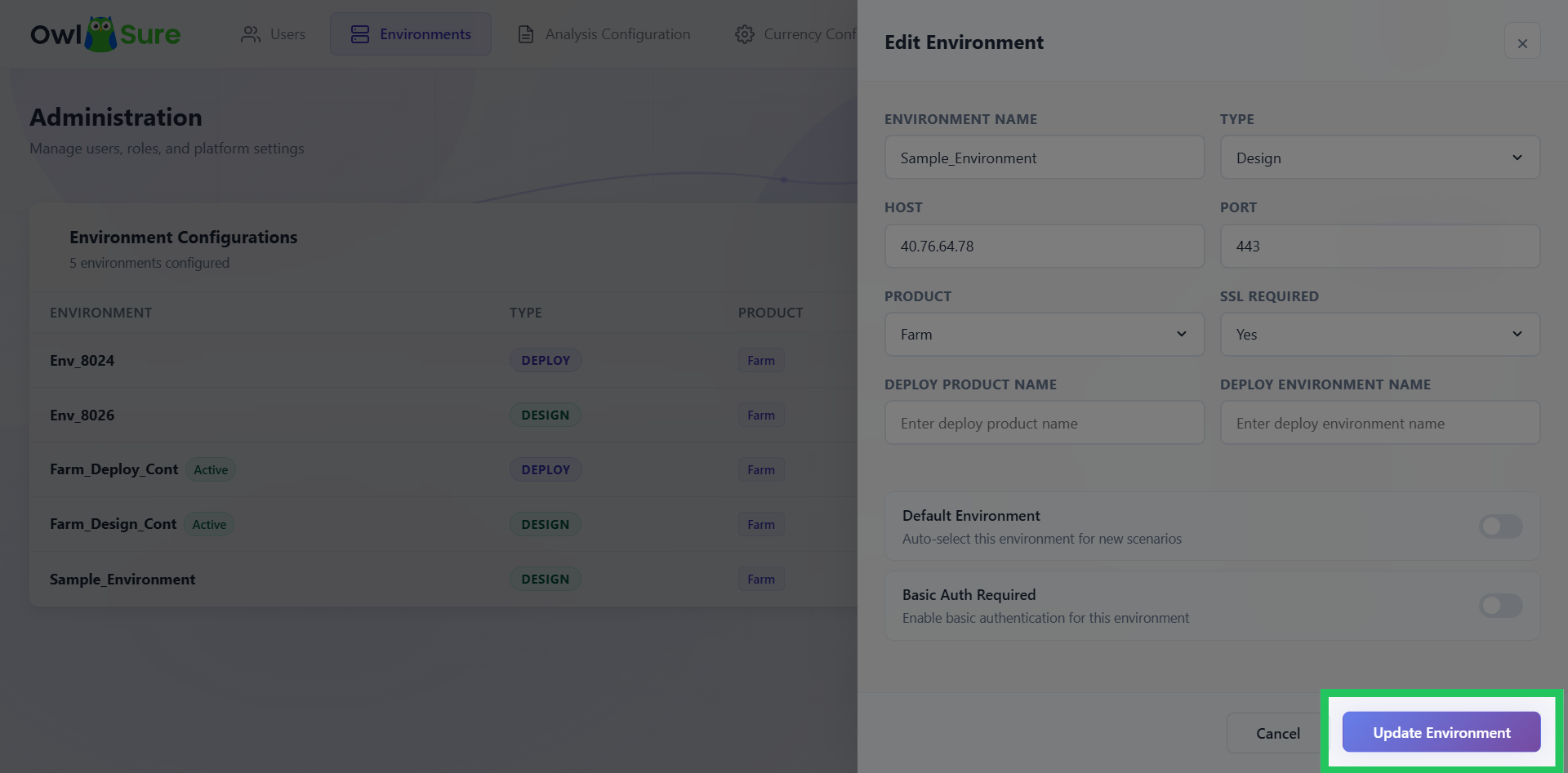
Click "Update Environment" to save the changes made to the environment configuration.
Delete an Environment
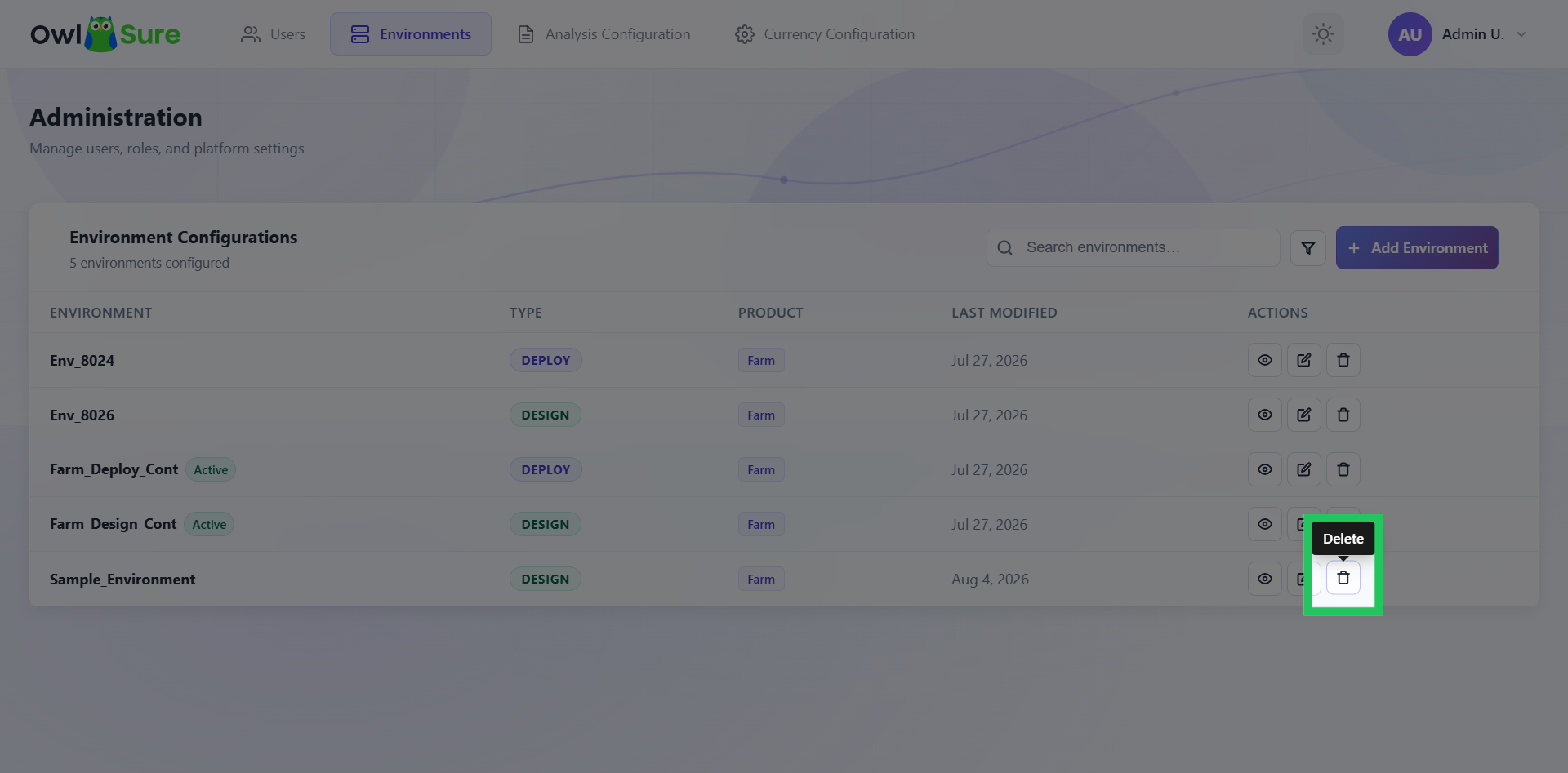
Click the "Delete" icon to remove the selected environment from the list of environments in the dashboard.
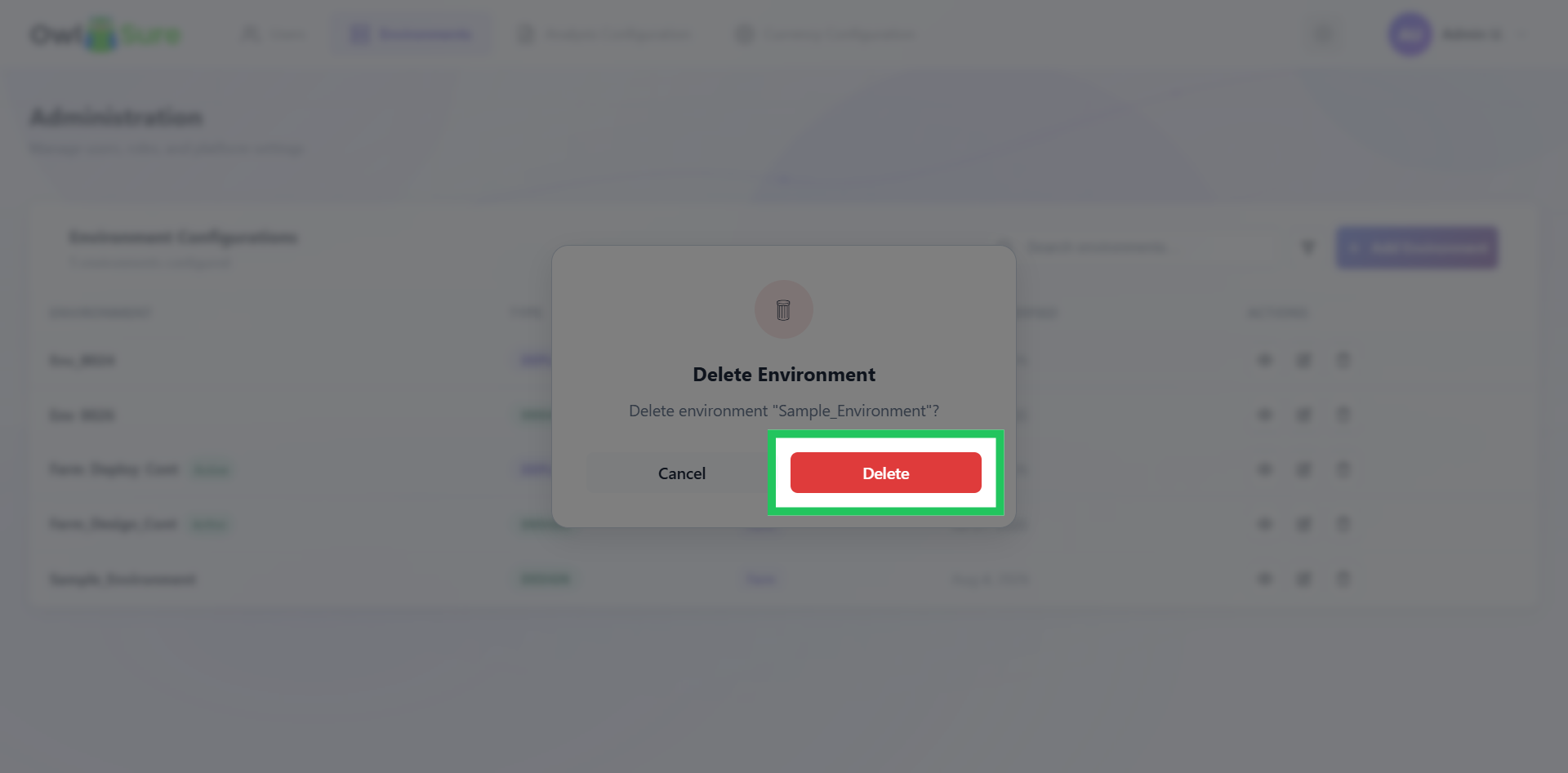
Confirm Deletion
Click "Delete" again to confirm and finalize the removal of the item.