Manage User Profile Actions
This document outlines the procedure for managing user actions within the OwlSure What-If admin interface. It details how to navigate the interface to view, edit, and delete user information effectively.
View a User Profile
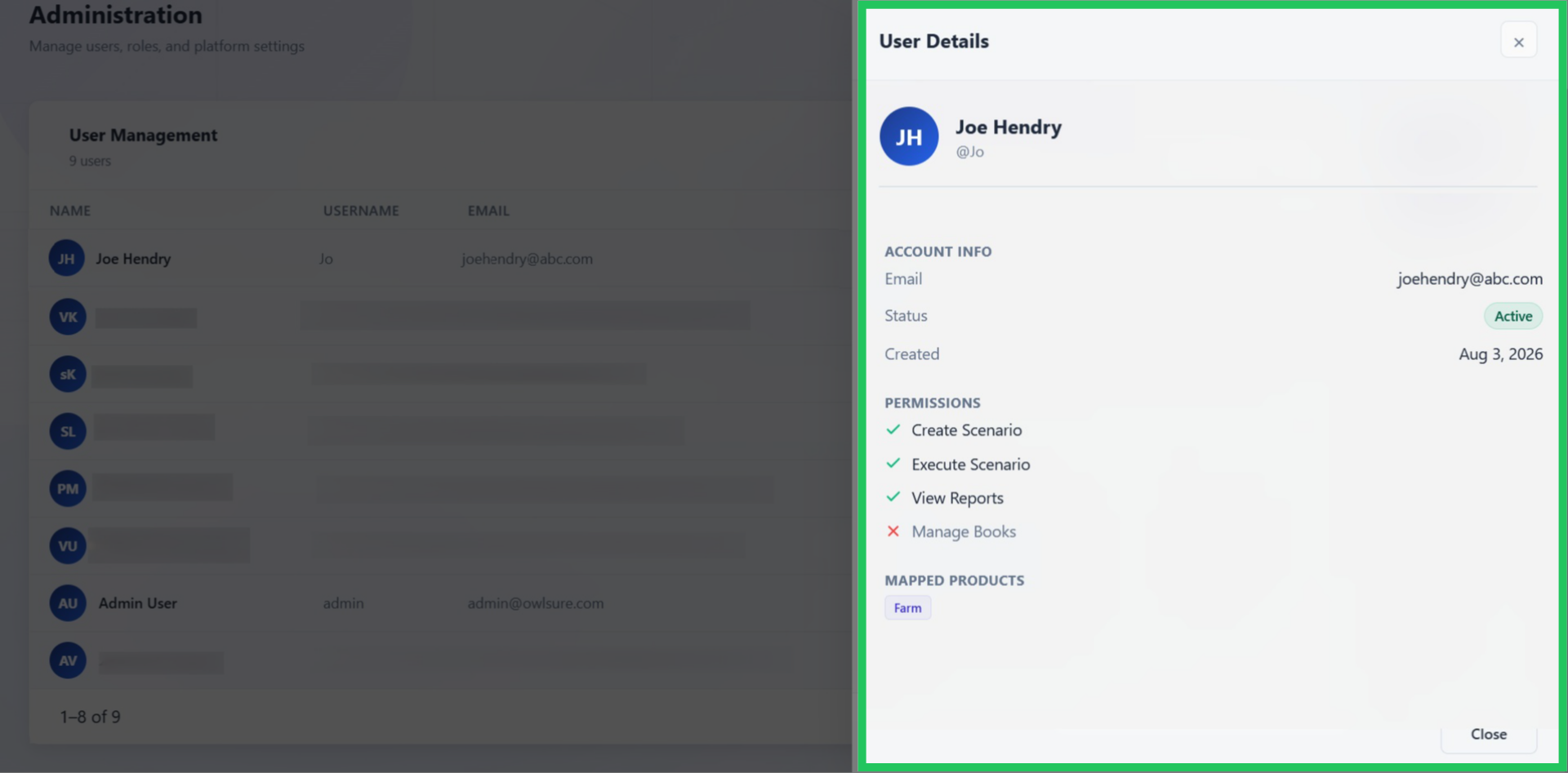
Clicking the view icon on the right side of the user profile row enables you to access all details of the created user profile.
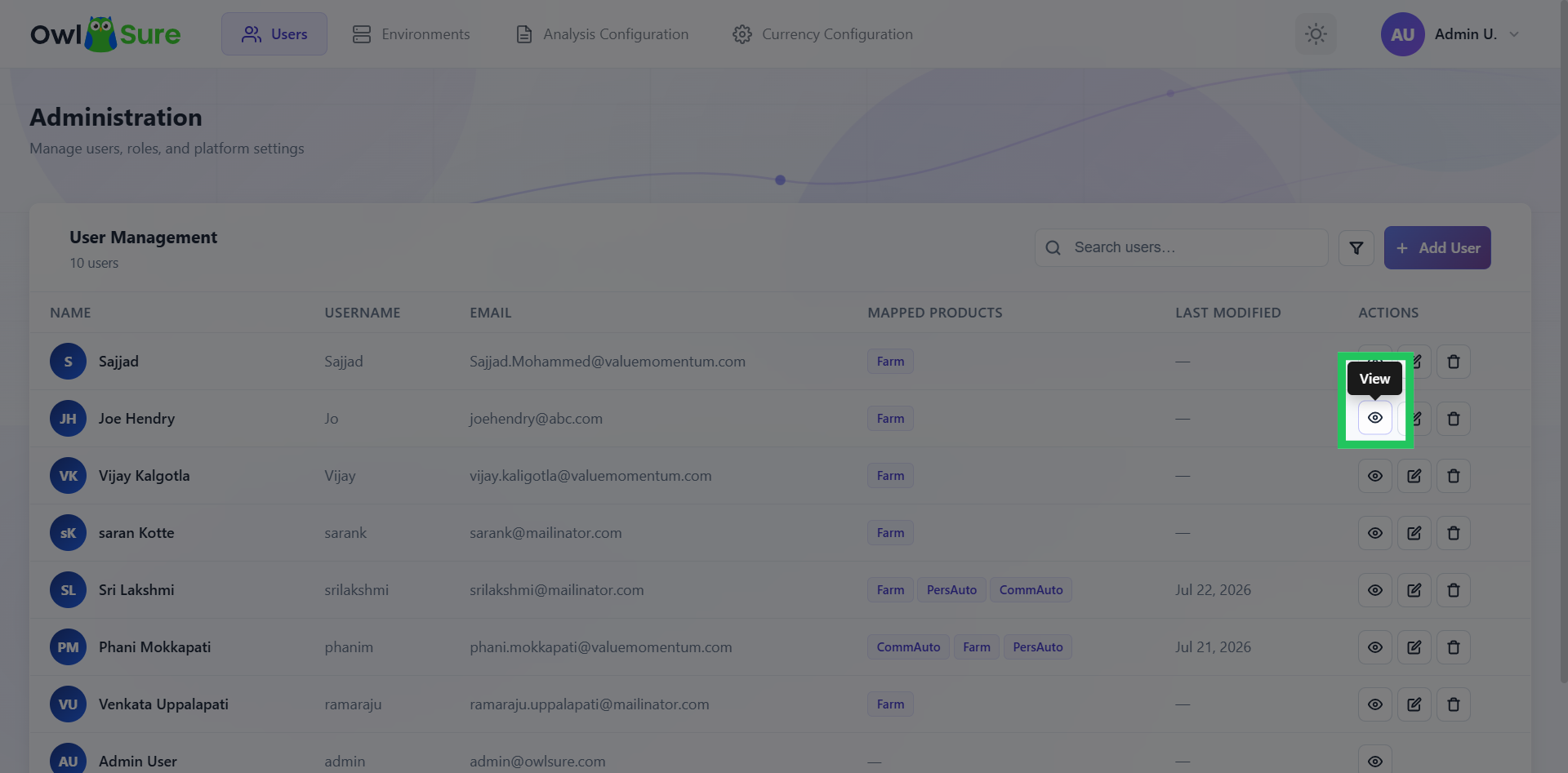
View a User Profile
This includes essential information such as name, email ID, and product access and permissions.
Edit a User Profile
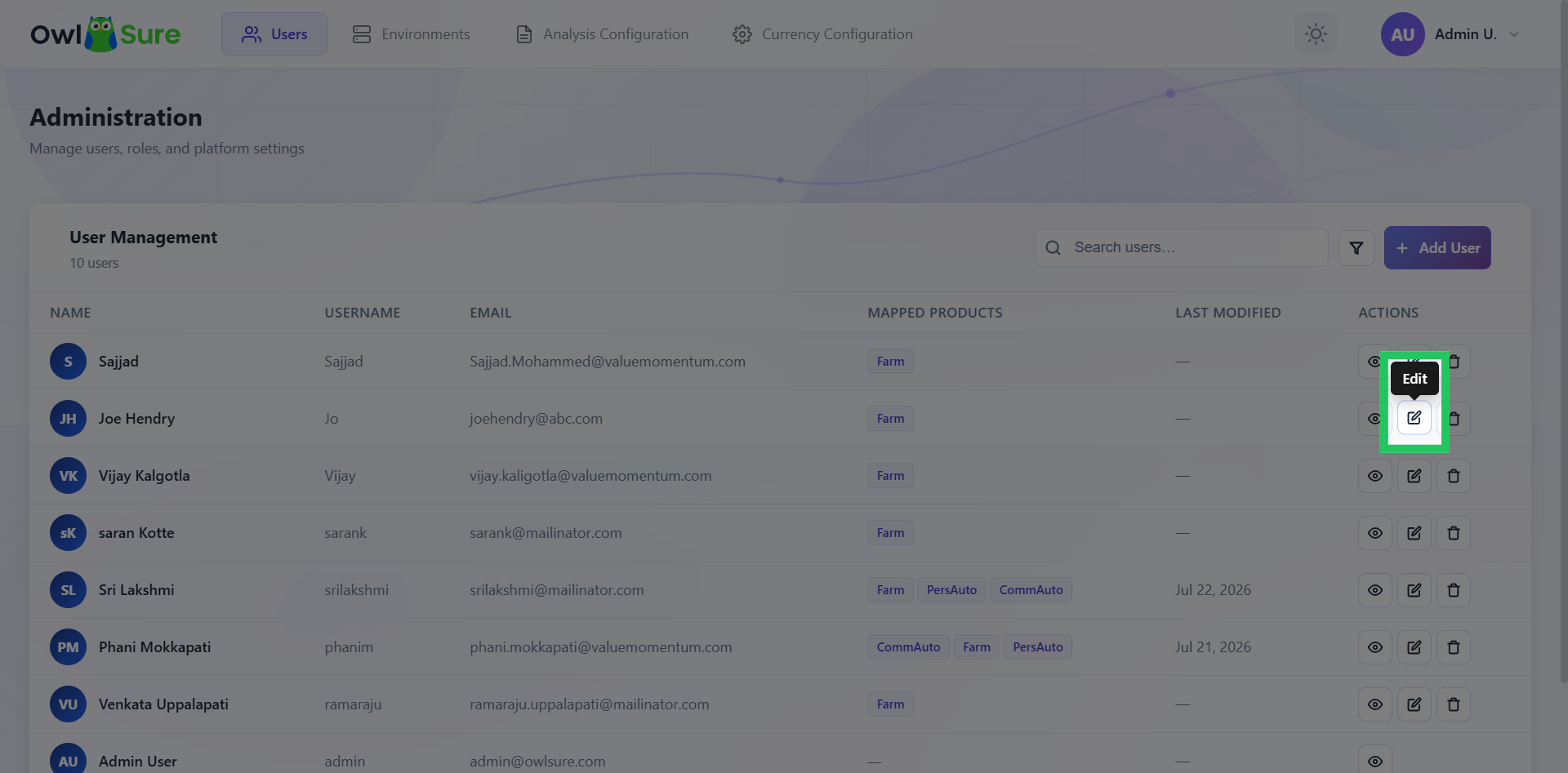
Clicking the edit icon allows you to modify all aspects of the created user profile, including crucial information such as name, email ID, and product access and permissions.
Update a User Profile
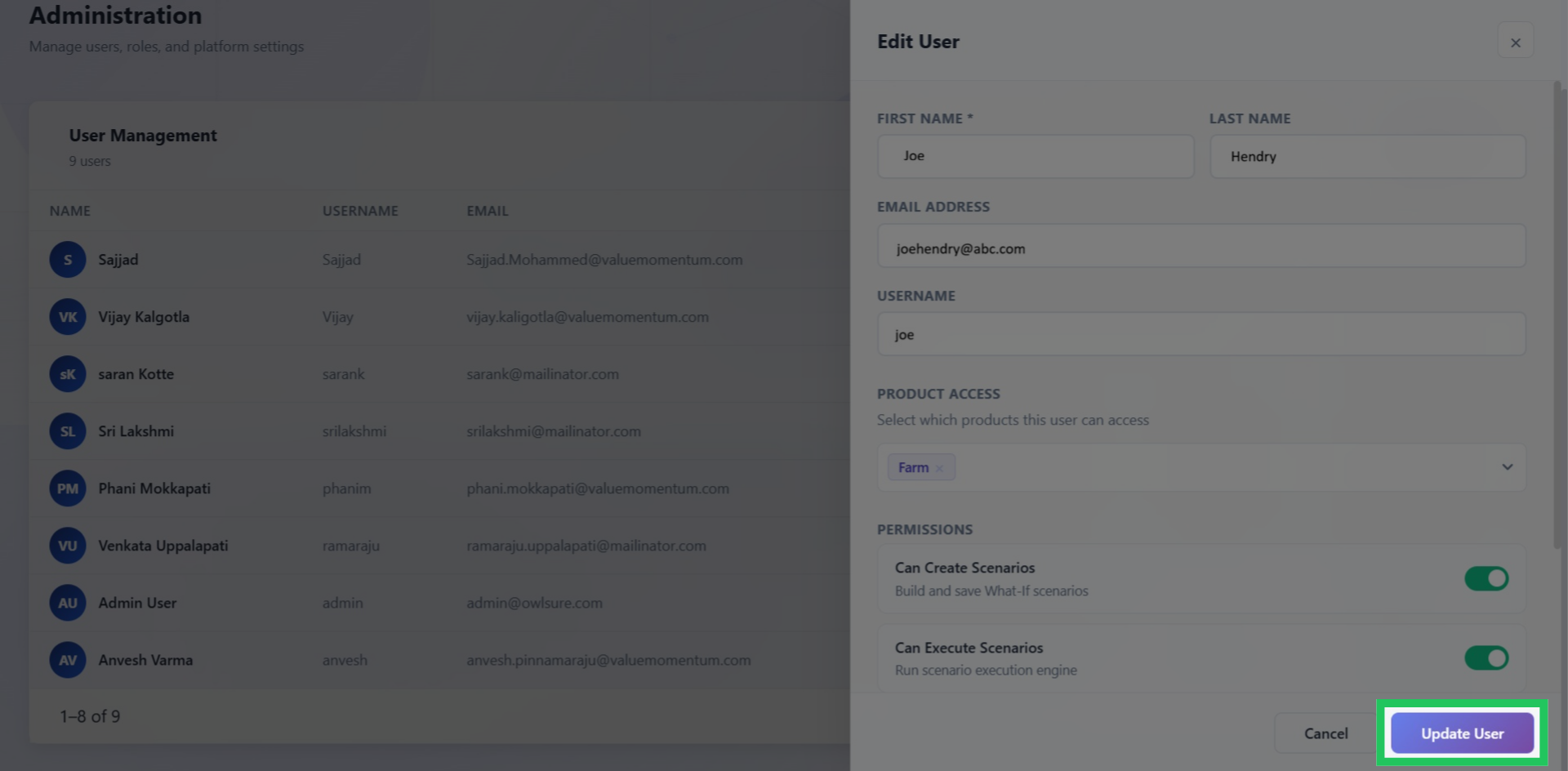
After confirming that all necessary changes have been made, click 'Update' to finalize the modifications to the user profile details.
Deleting a User Profile
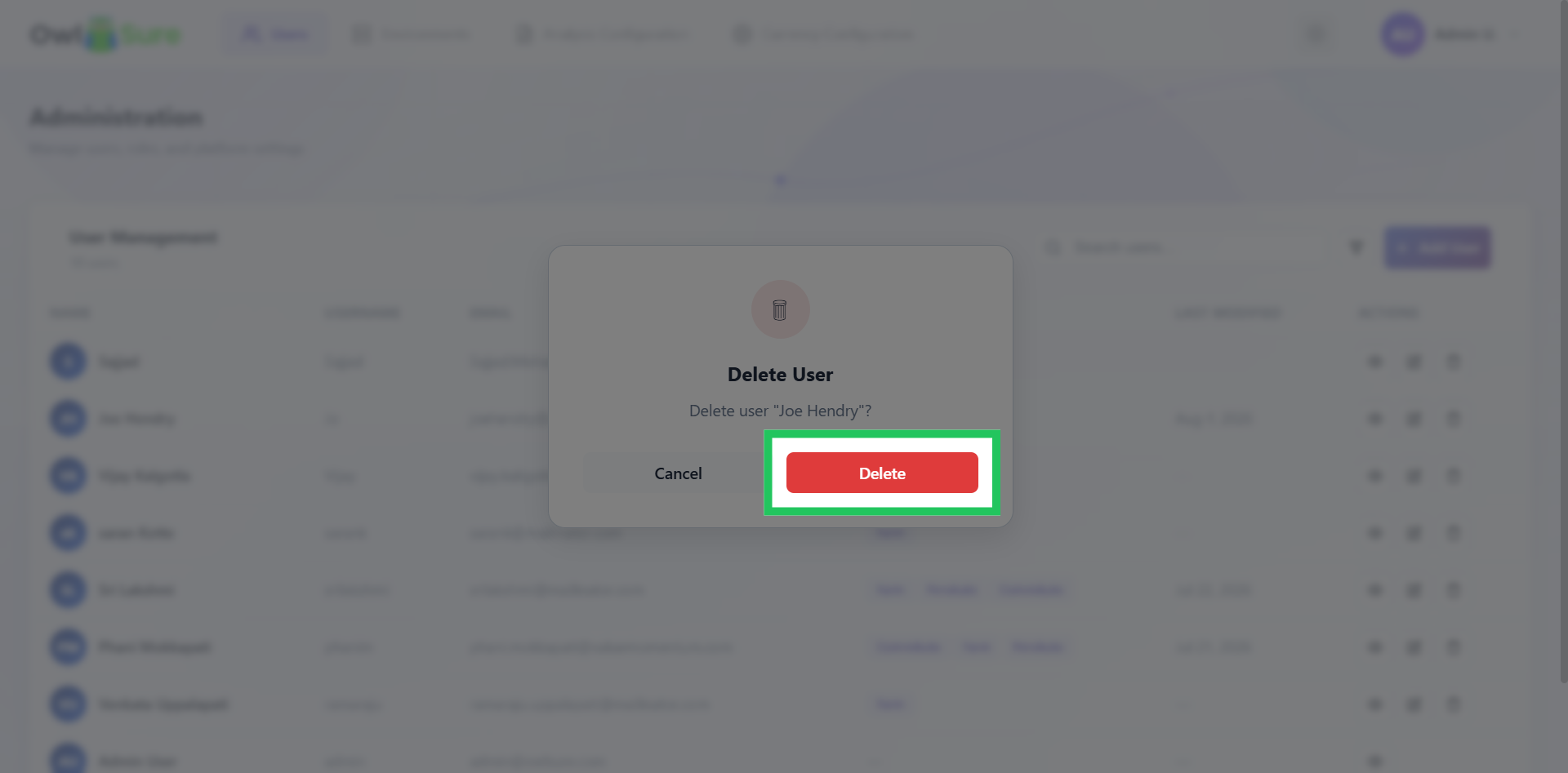
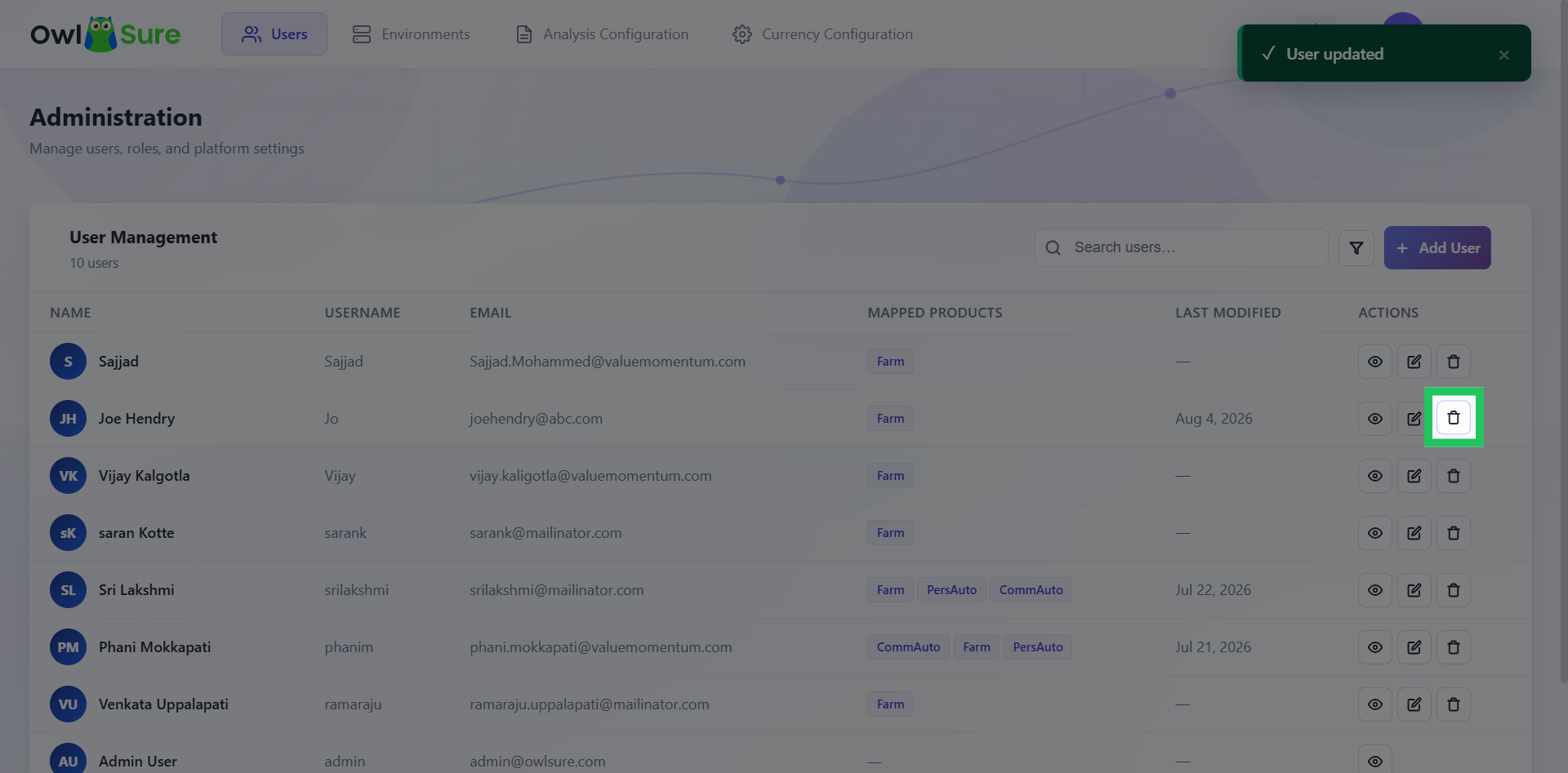
Clicking the delete icon opens a pop-up that confirms your intention to delete the user profile.
Confirm Delete Action
Click "Delete" to permanently remove the user record from the OwlSure What-If admin system.