Configuring Currency Settings

Currency Configuration enables administrators to set the platform-wide currency and display format applied across reports, dashboards, and analytics. The feature supports currency selection, display format configuration, and preview validation to ensure consistent monetary representation across reports, dashboards, KPI analysis, and premium displacement views. Administrators can manage default currency formats, apply standardized display settings, reset configurations to default values, and save platform-level preferences for consistent analytical reporting and user experience across the application.
Administrators can:
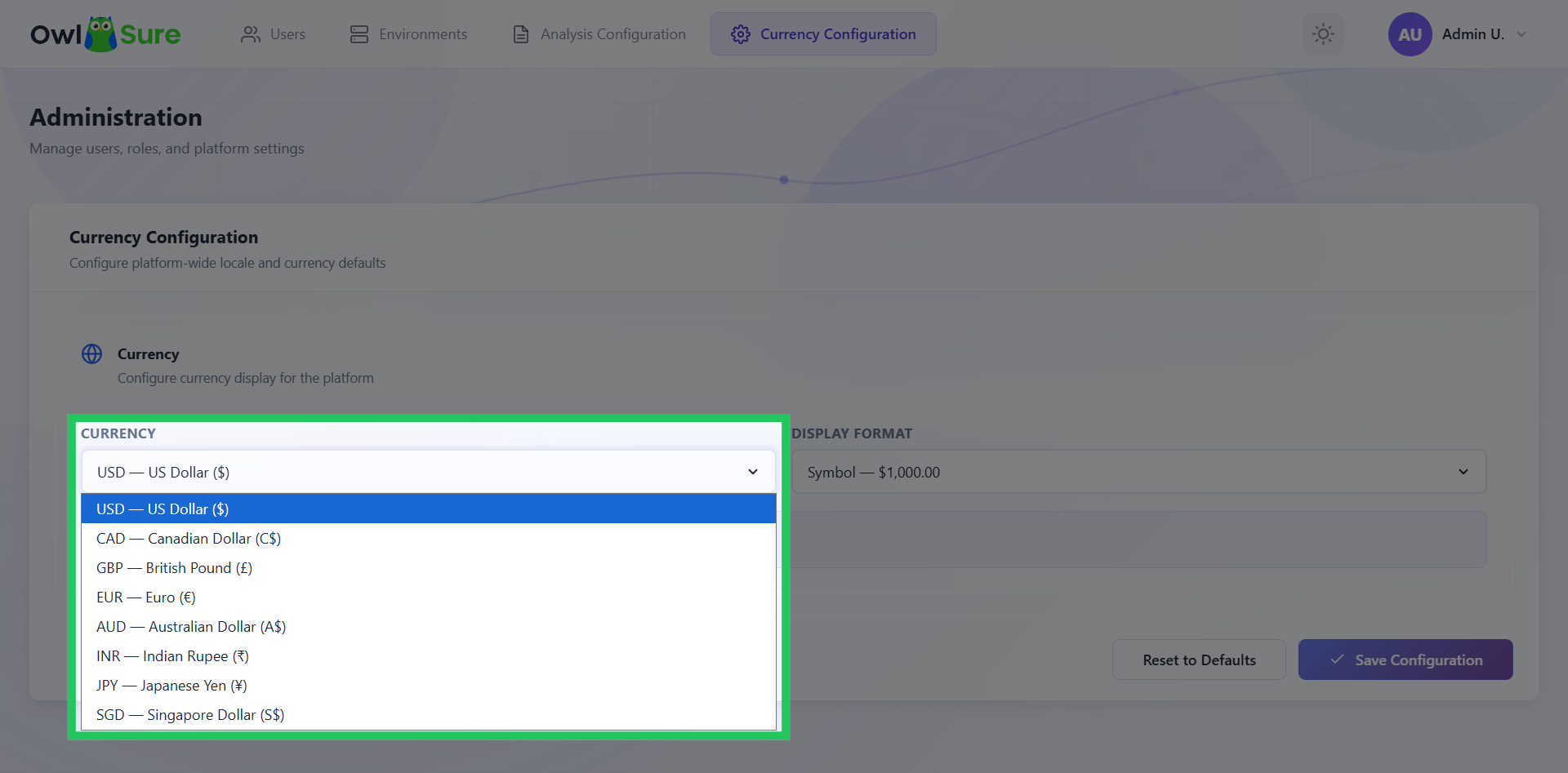
- Select from supported currencies including USD, CAD, GBP, EUR, AUD, INR, JPY, and SGD
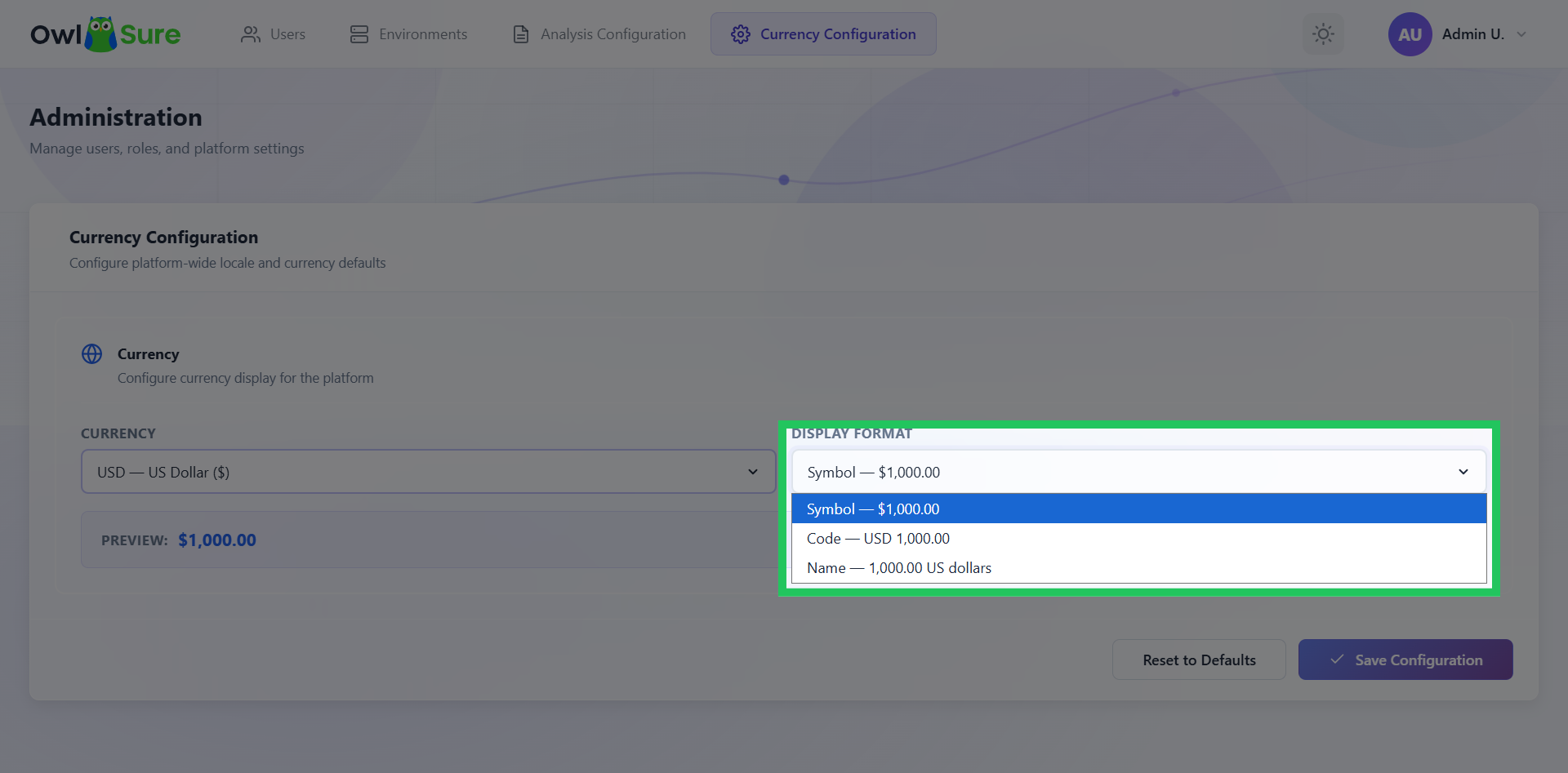
- Choose a display format: Symbol ($100,000), Code (USD 100,000), or Name (100,000 US Dollars)
- Preview how the selected format will appear before saving
- Reset currency settings to default values
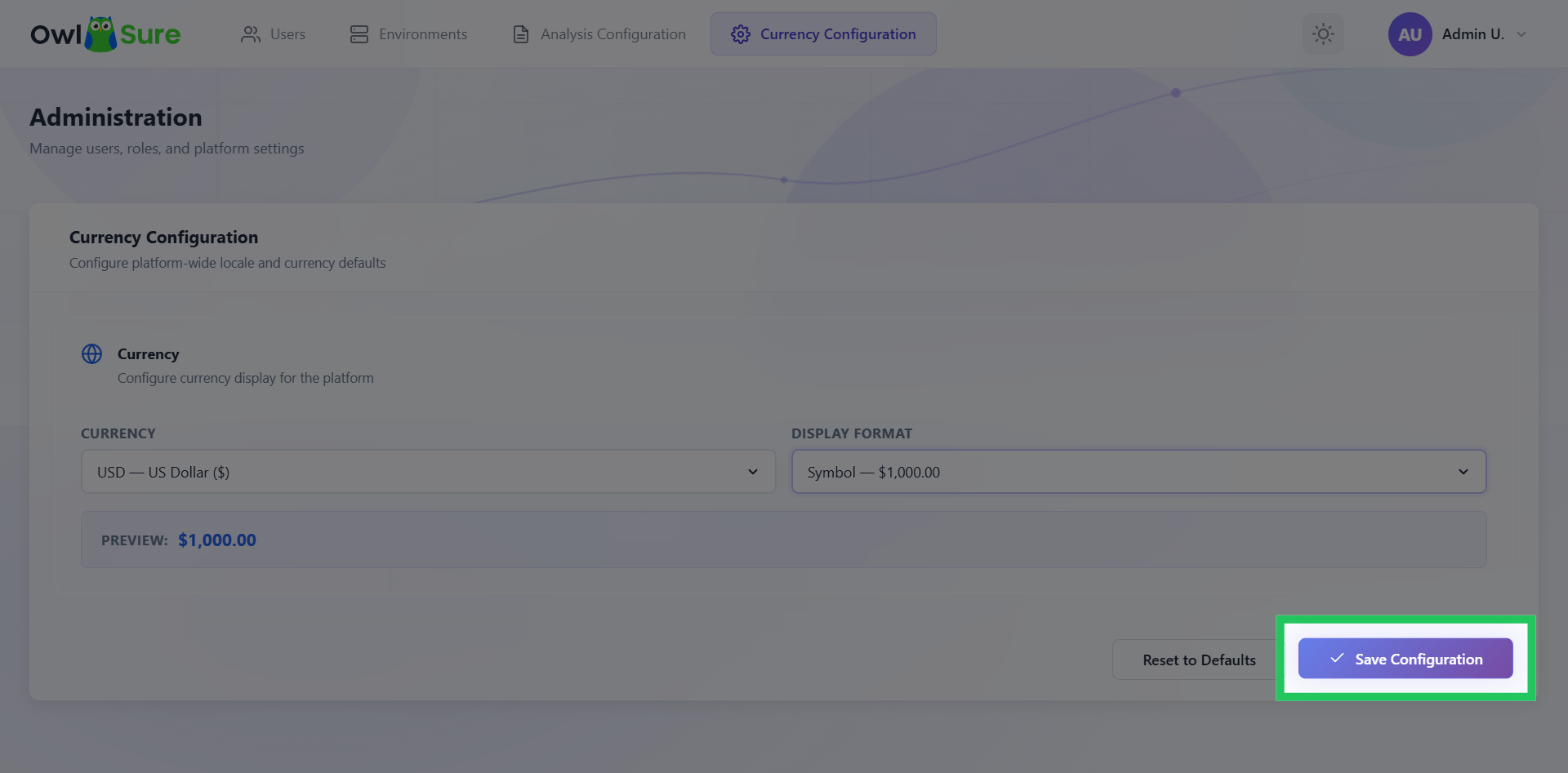
- Save platform-level currency preferences
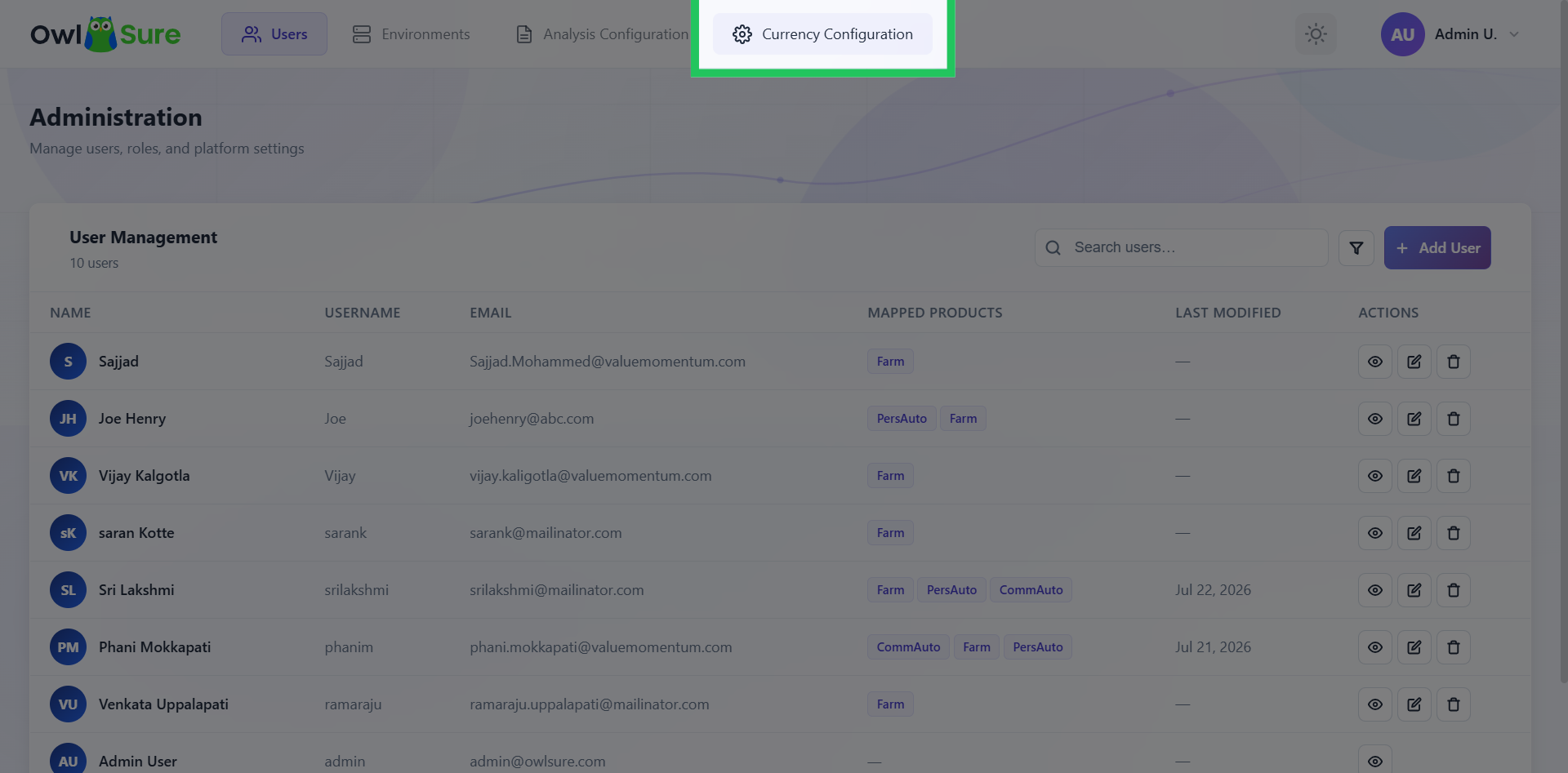
Open Currency Configuration
Click on Currency Configuration in the top navigation bar to access the currency management settings within the WhatIF panel.
Select Currency
Click on the list of available currencies, which includes US Dollars, Canadian Dollars, Great British Pound, Euros, Australian Dollars, Indian Rupees, Japanese Yen, and Singapore Dollars, and select as needed.
Choose Display Format
Click the display format drop-down menu to select how the chosen currency will be displayed. The available formats include: Symbol: $100,000 Code: USD 100,000 Name: 100,000 US Dollars
Save Currency Configuration
Click Save Configuration to apply and store the updated currency settings in the system.
Having trouble? Refer to our FAQs or Troubleshooting guide to know more.