Managing Environment Settings
Environment settings can be updated at any time after an environment has been created. This is useful when connection details change, a product association needs to be updated, or the environment needs to be reconfigured for a different deployment target.
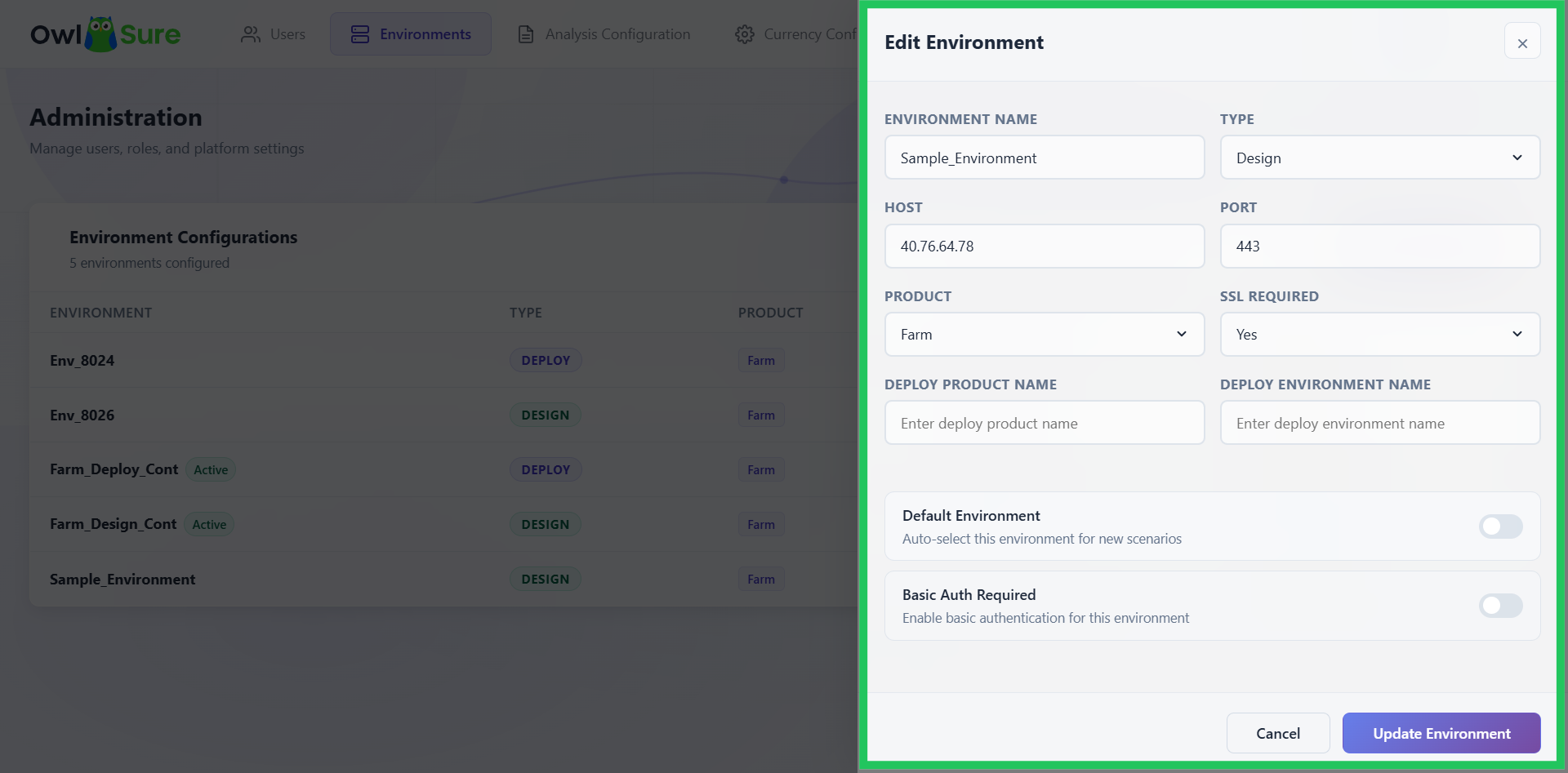
All fields set during environment creation are available for editing, including the environment name, type, host address, product selection, deploy environment name, default status, and authentication settings.
Edit and Update Settings
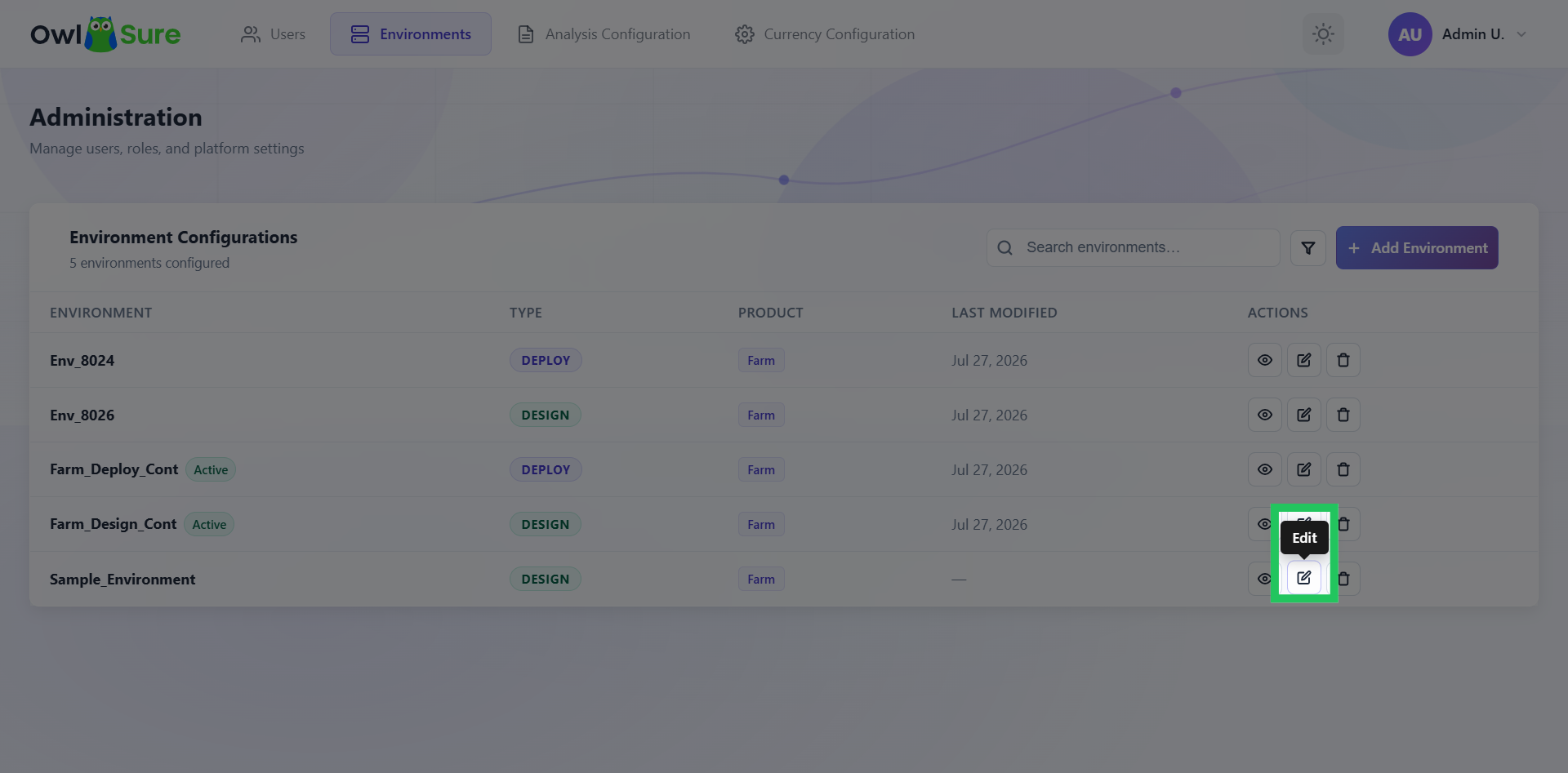
- Click the Edit icon next to the environment you want to modify.
- A sliding panel opens on the right, displaying all the settings configured during environment creation. Update the relevant fields as needed.
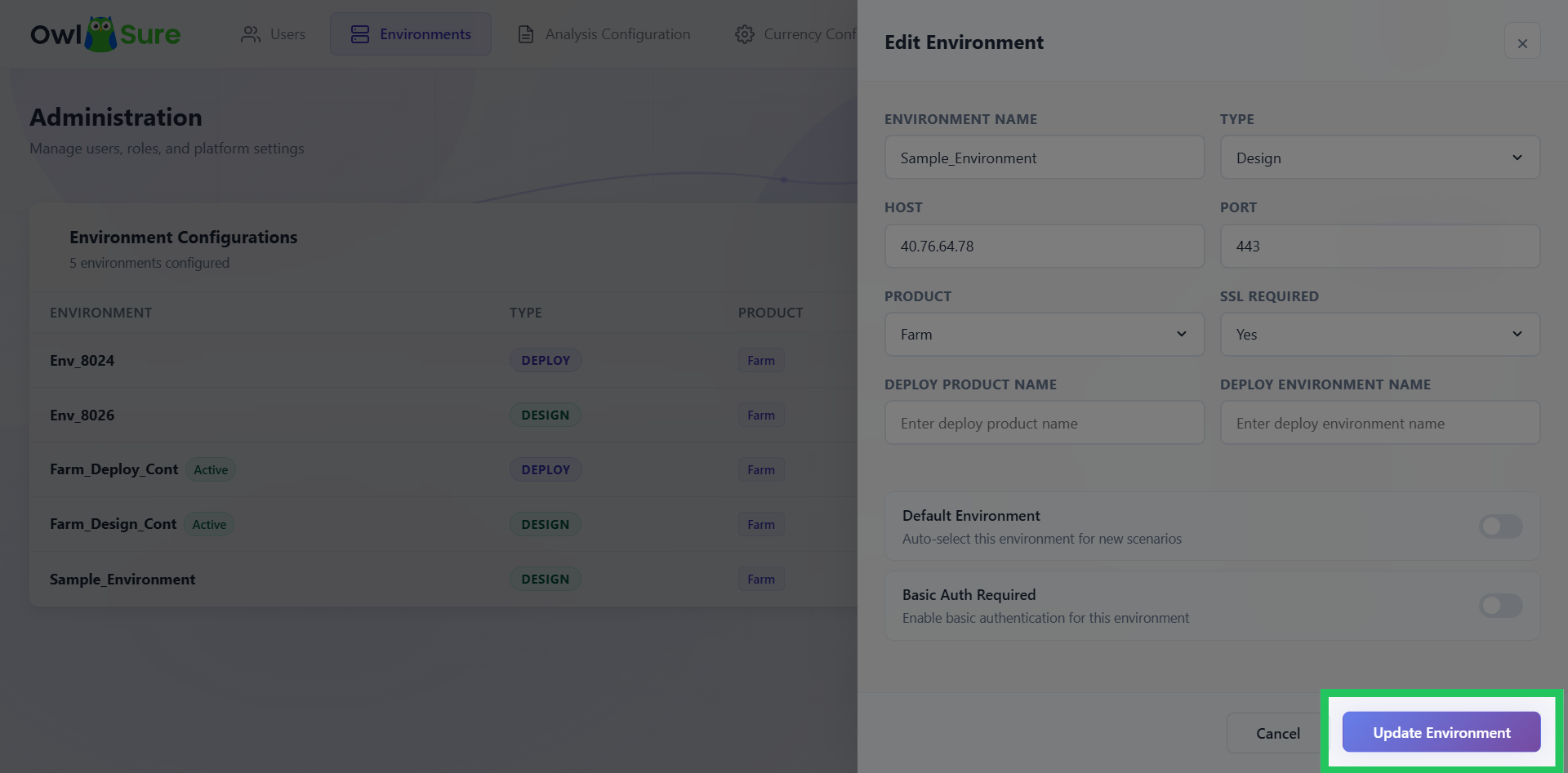
- Once all changes have been made, click "Update Environment" to save and apply the updated configuration.