Environment Health Check
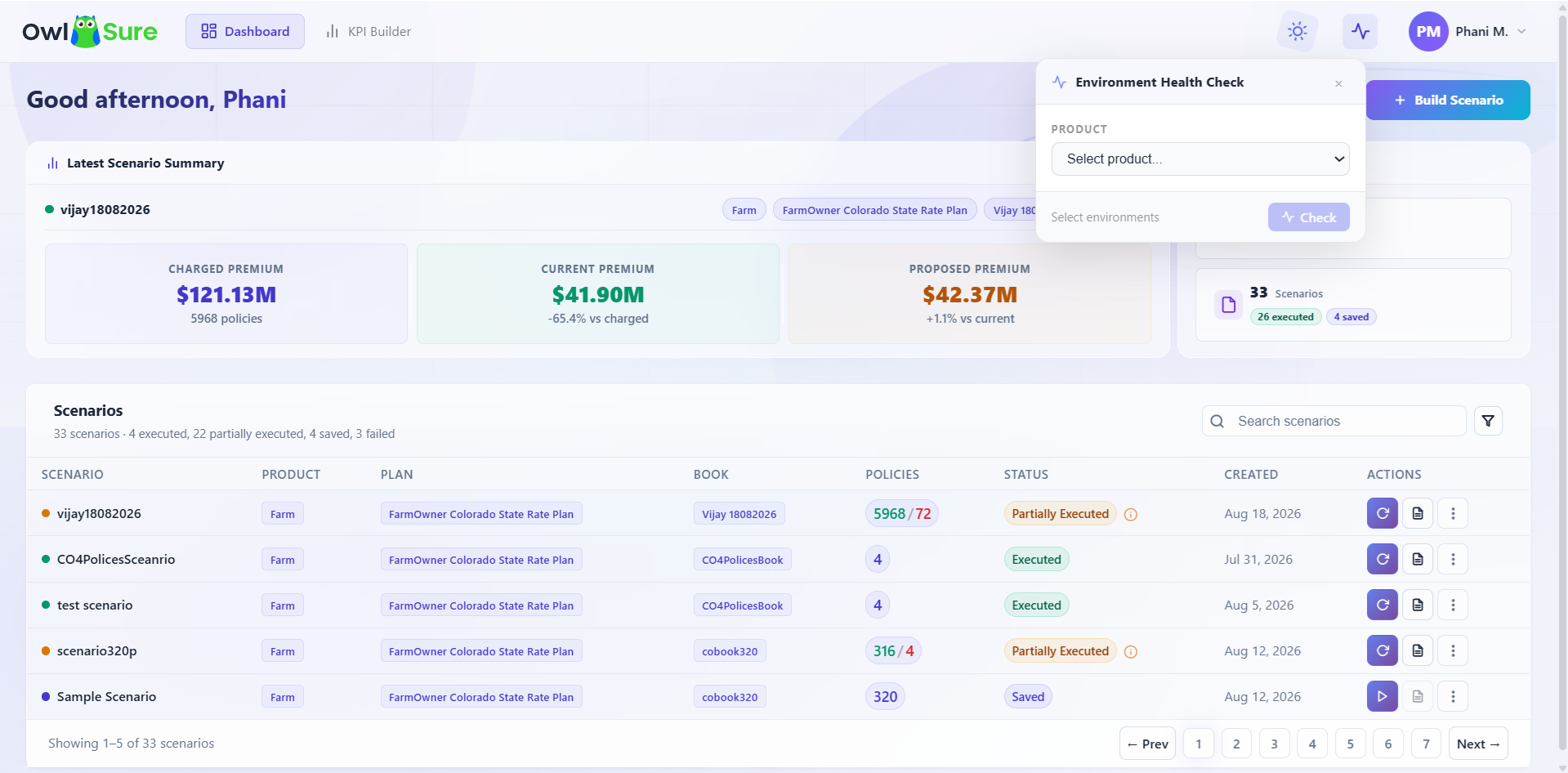
Before executing a scenario, it is important to confirm that the target environment is available and functioning correctly. Running a health check against an unhealthy environment will likely result in scenario execution failures or incomplete results - making this a recommended step before any analysis run, particularly after deployments, environment changes, or maintenance activities.
The Environment Health Check validates connectivity and operational readiness by verifying environment availability, deployment accessibility, and system responsiveness across platform integrations and services.
Note: A successful health check confirms the environment is reachable. It does not guarantee that a scenario will execute without errors - execution can still fail due to data, configuration, or rating issues.
How to Run a Health Check
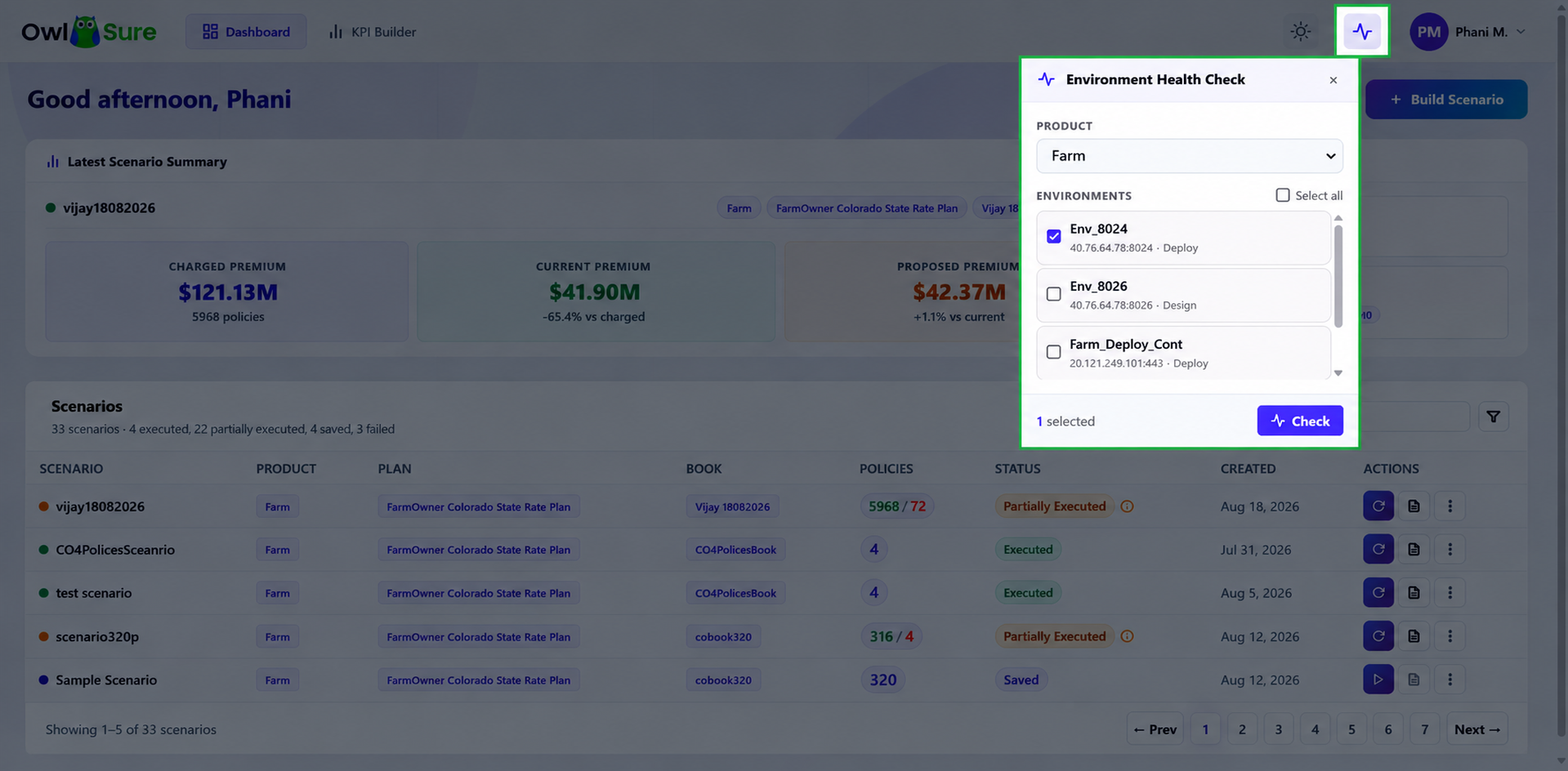
- From the dashboard, select the Product you intend to work with.
- Select the Environment to validate.
- Initiate the health check.
- Wait for the result before proceeding.
If the health check passes - the environment is available and ready for scenario execution.
If the health check fails - do not proceed. Review the error details, validate the environment configuration, and contact your administrator if the issue persists.
Having trouble? Refer to our FAQs or Troubleshooting guide to know more.