Creating a KPI Profile

The KPI Builder enables business users, actuarial teams, and analysts to create, manage, and reuse configurable KPI profiles for portfolio analysis, premium impact evaluation, slice-and-dice reporting, and What-If scenario analytics. It provides a centralized framework for defining reusable analytical dimensions, reporting structures, and insight configurations across multiple products and report types.
The KPI Builder supports the following profile types:
| Profile Type | Primary Use |
|---|---|
| Risk Insights | Risk segmentation, underwriting analysis, exposure-based reporting |
| Rate Insights | Pricing analysis, rate impact simulations, premium comparison |
| Coverage Insights | Coverage-level premium analysis, premium displacement evaluation |
| Policy Insights | Operational reporting, portfolio tracking, enterprise KPI analysis |
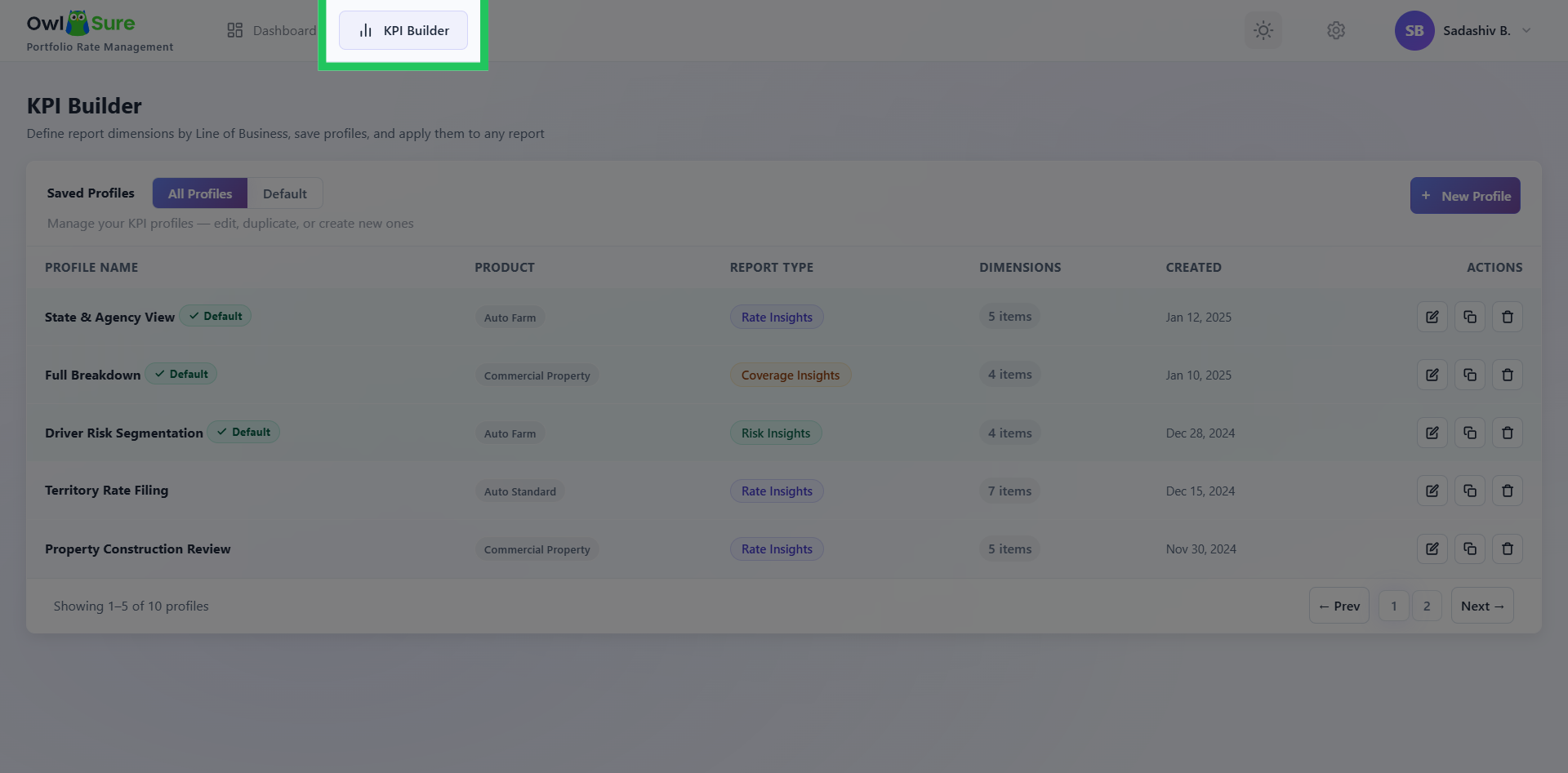
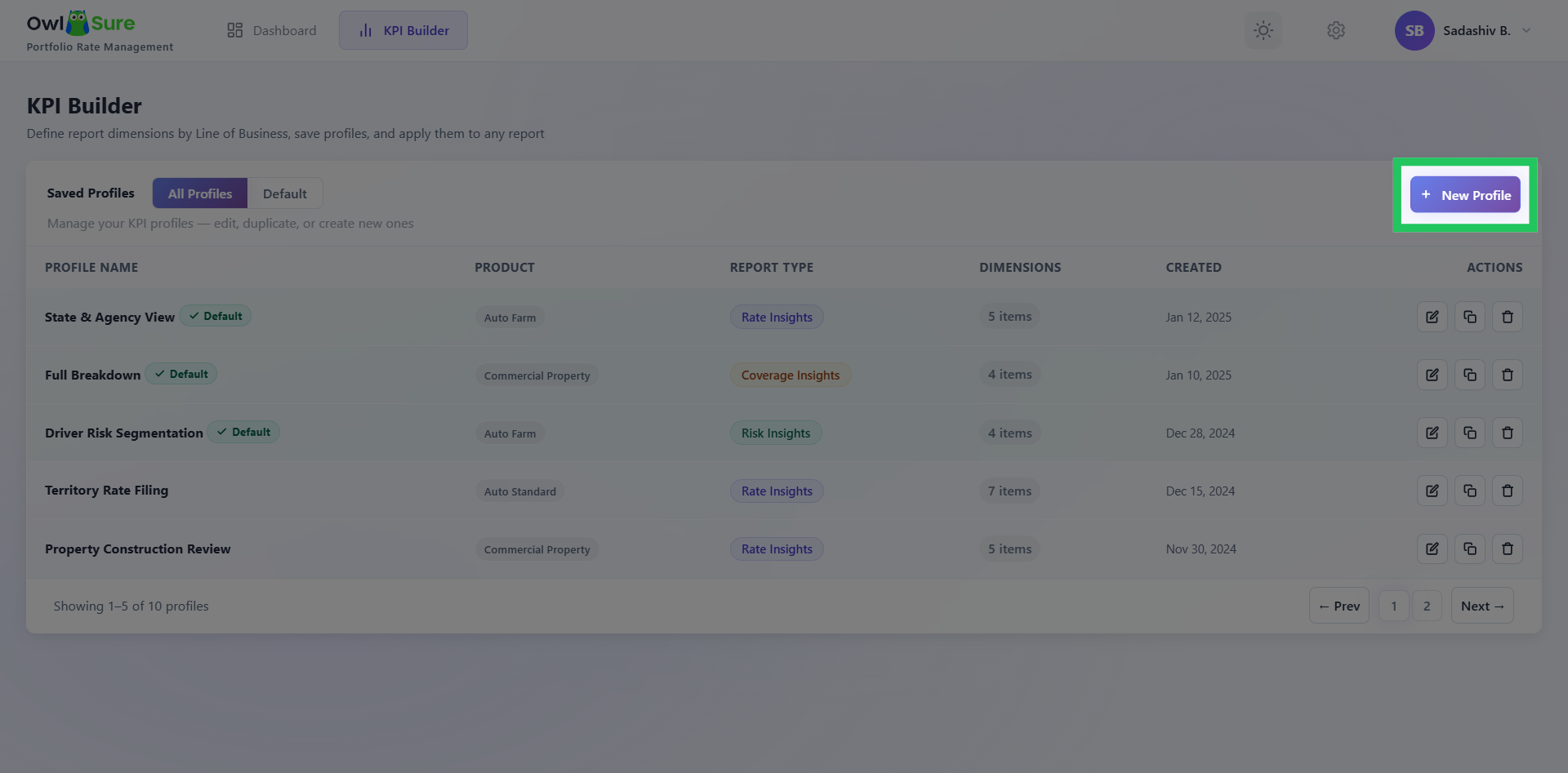
The KPI Builder dashboard provides centralized management of all saved profiles, displaying the profile name, product, report type, configured dimensions, created date, and available actions. From the dashboard, users can create new profiles, edit existing ones, duplicate or clone profiles, set a default profile, and delete profiles no longer in use.
Access KPI Builder
Click KPI Builder to open the KPI configuration interface within the What-If platform.
Create a New KPI Profile
Click New Profile to begin creating a new KPI profile.
Having trouble? Refer to our FAQs or Troubleshooting guide to know more.