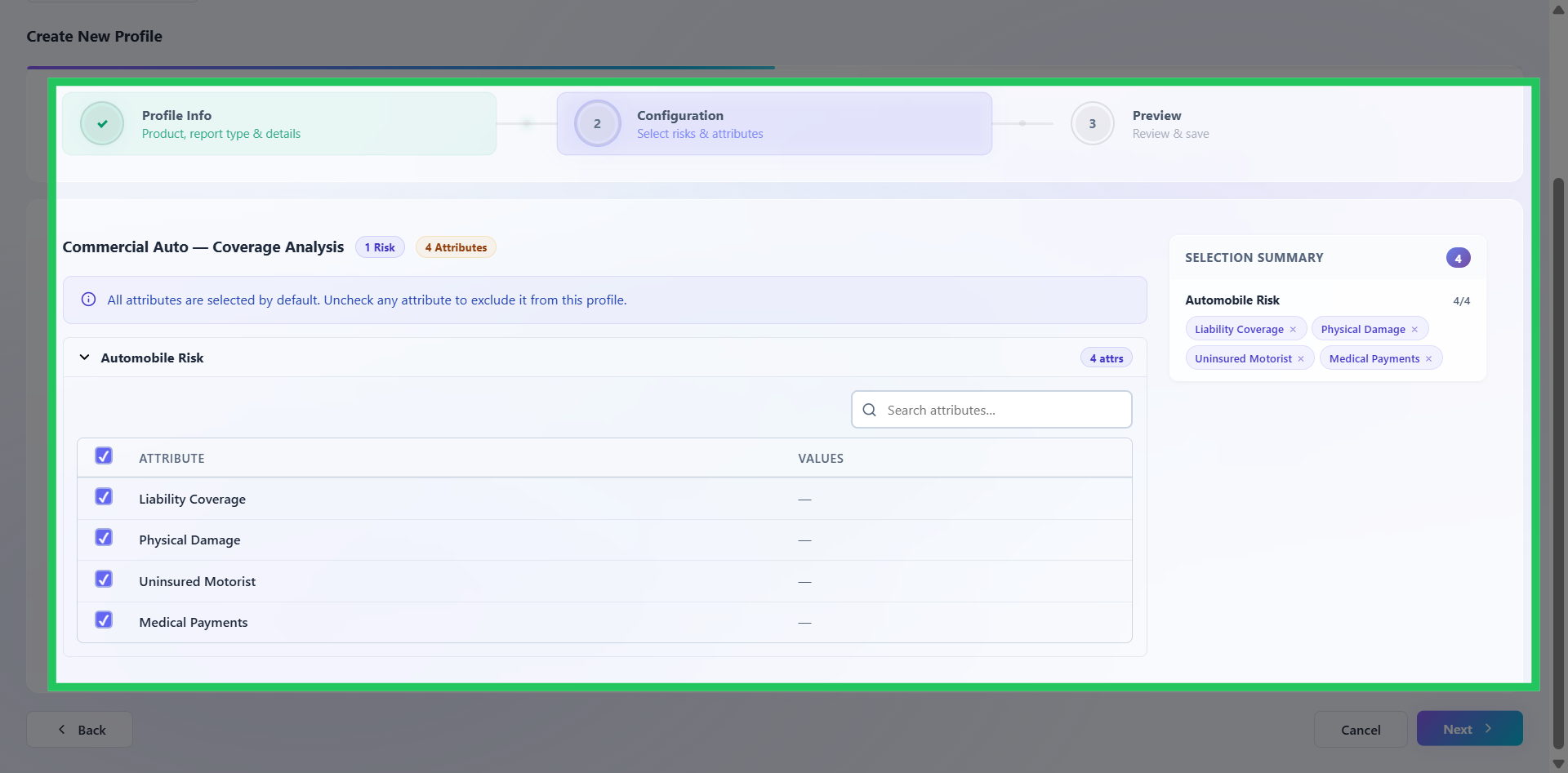
Configuring Risk Attributes
This step defines the analytical dimensions and reporting attributes that will be used for KPI analysis. The attributes available are determined by the report type selected in the previous step.
Select Profile Attributes
Select the checkboxes corresponding to the attributes you want to include in the KPI profile. Attributes determine the dimensions available for analysing and segmenting results within the associated report.
You can also:
- Select risks applicable to the selected product
- Configure multiple analytical dimensions
- Include or exclude attributes dynamically
- Define reporting value groups
- Search and filter dimensions
- Review real-time selection summaries
Select only the attributes relevant to the intended analysis to keep the profile focused and meaningful. Once the required attributes have been selected, click Next to proceed.