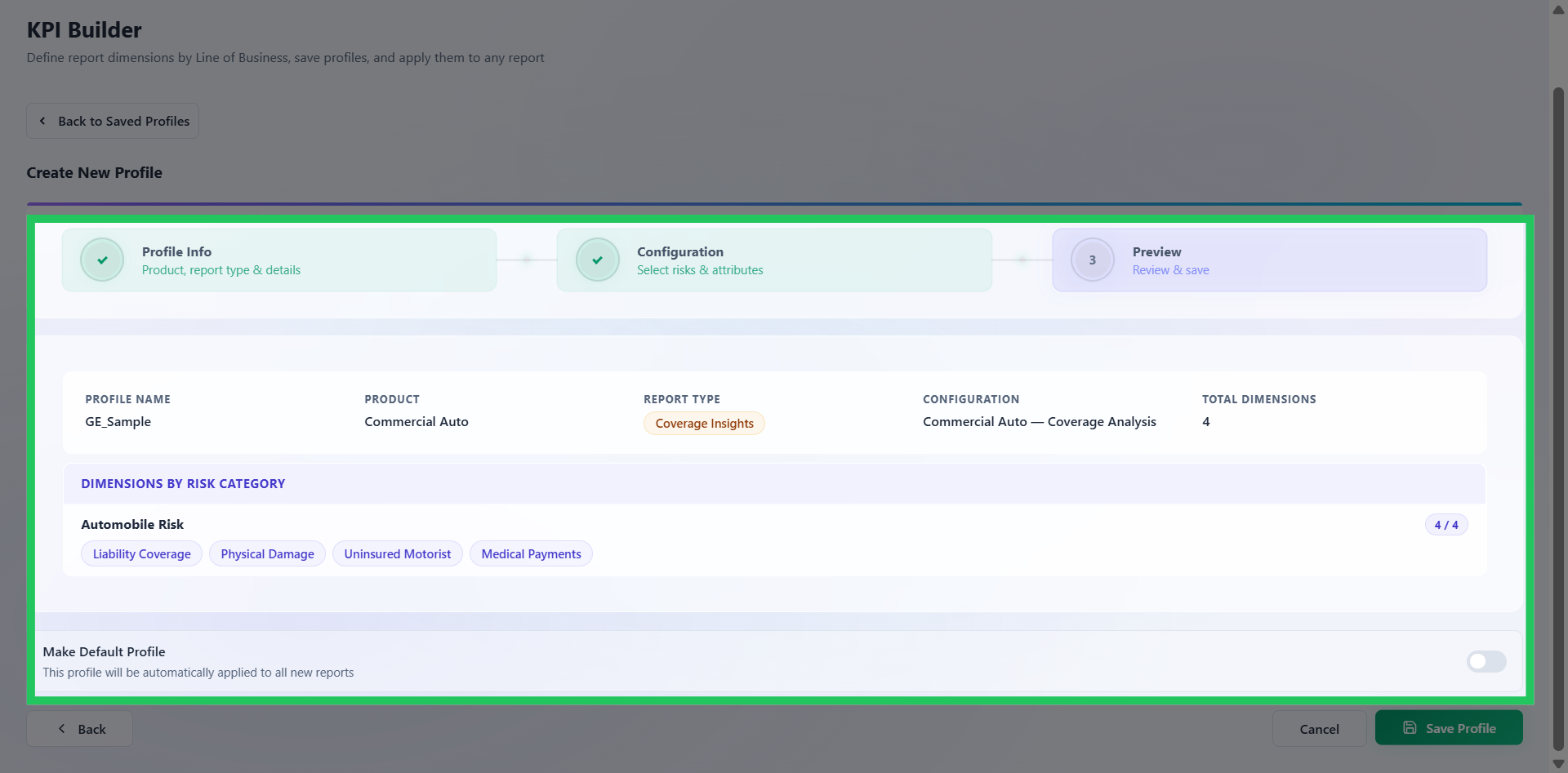
Reviewing the KPI Profile Configuration
The Preview step provides a consolidated summary of the configured KPI profile before it is saved and activated. Review the following to confirm the configuration is accurate:
- Product
- Report Type
- Configured risks
- Selected dimensions
- Total dimension count
- Risk category grouping
You can also mark the profile as the Default profile at this stage. Default profiles are automatically applied to newly created reports and analytical workflows, helping standardize enterprise reporting structures, reduce repetitive configuration effort, and accelerate scenario setup across teams.
Once satisfied, click Save to activate the KPI profile.
Review and Save Profile