Failed Policy Execution
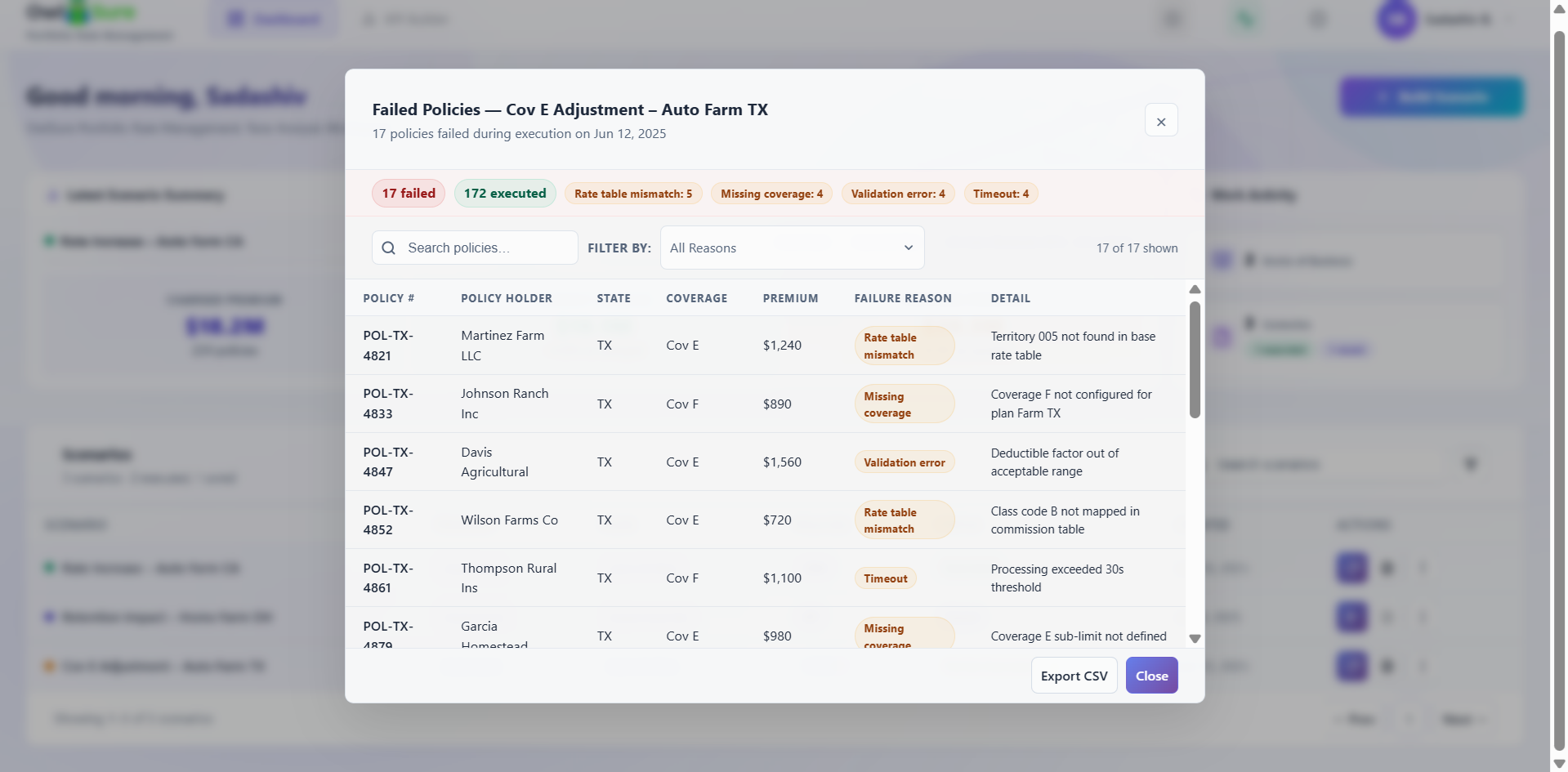
When a scenario execution results in a Partial Executed or Failed status, the Failed Policy Execution screen provides centralized visibility into the policies that could not be processed. It enables business users, actuarial teams, and operational analysts to identify, review, classify, and troubleshoot execution failures without blocking analytical reporting for the policies that completed successfully.
Execution Summary
The screen presents a summarized breakdown of the execution result, including:
- Total failed policies
- Successfully executed policies
- Failure counts by category
- Execution date and scenario context
This gives users an immediate overview of execution health and helps identify dominant failure patterns before investigating individual policies.
Policy-Level Failure Detail
For each failed policy, the following information is displayed:
| Field | Description |
|---|---|
| Policy Number | Unique identifier for the failed policy |
| Policy Holder | Name of the policyholder |
| State | State associated with the policy |
| Coverage | Coverage type at the time of failure |
| Premium Amount | Premium value at the time of failure |
| Failure Category | Classified failure group |
| Failure Description | Detailed reason the policy failed during execution |
Example failure reasons include territory not found in the base rate table, missing coverage configuration, deductible factor outside valid range, class mapping not available, and processing timeout exceeded.
Failure Classification
The platform automatically categorizes failed policies into failure groups to simplify analysis and prioritize remediation. Supported categories include:
- Configuration Errors
- Rate Table Mismatches
- Missing Data
- Validation Failures
- Processing Timeouts
- Coverage Mapping Errors
- Integration Failures
This allows users to focus corrective actions based on failure type and severity.
Search and Filter
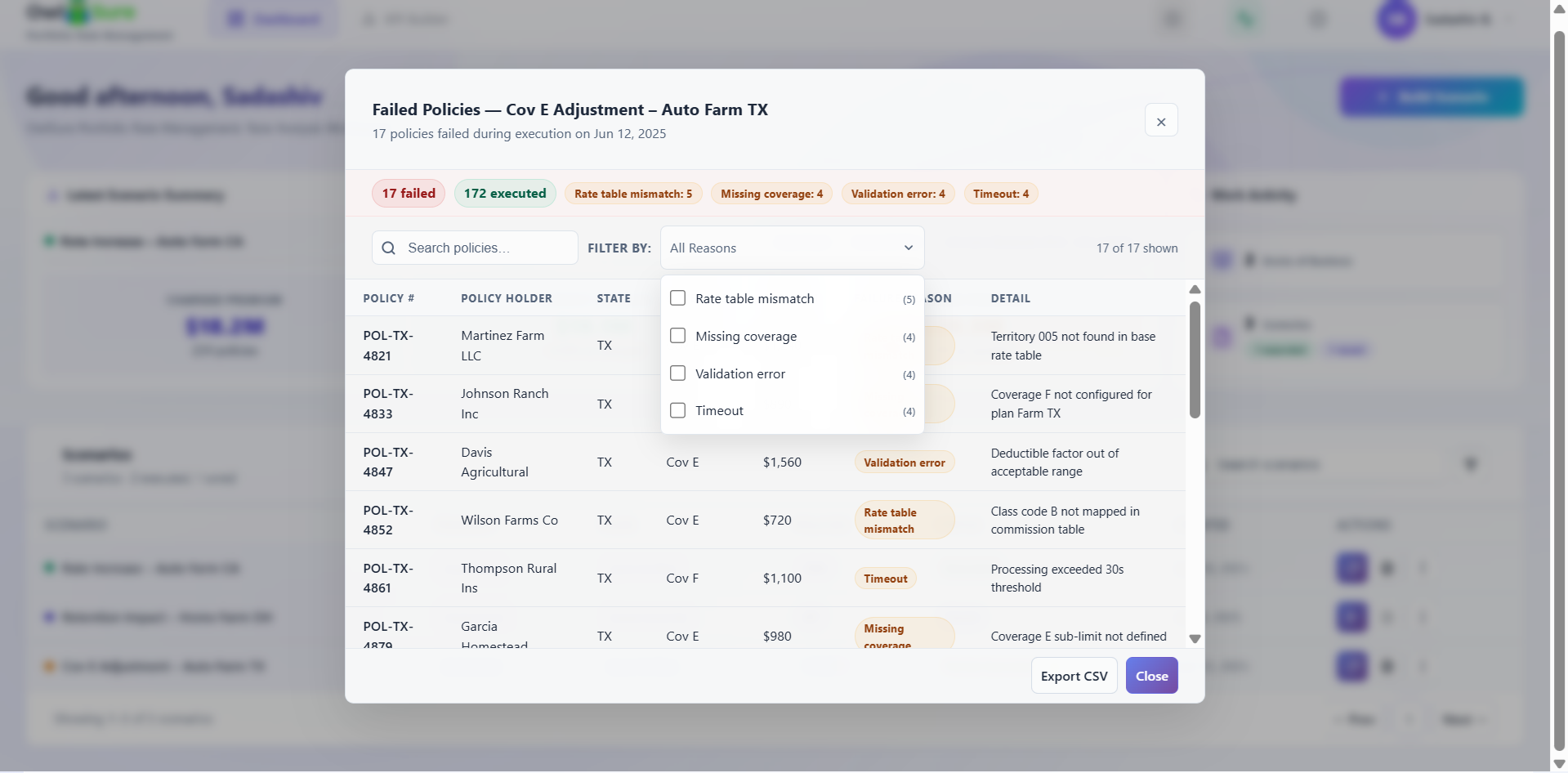
The screen supports dynamic search and filtering across the failure dataset. Users can search policies by name or number, filter by failure reason or category, and analyse subsets of failed policies to focus on high-impact execution issues.
Export
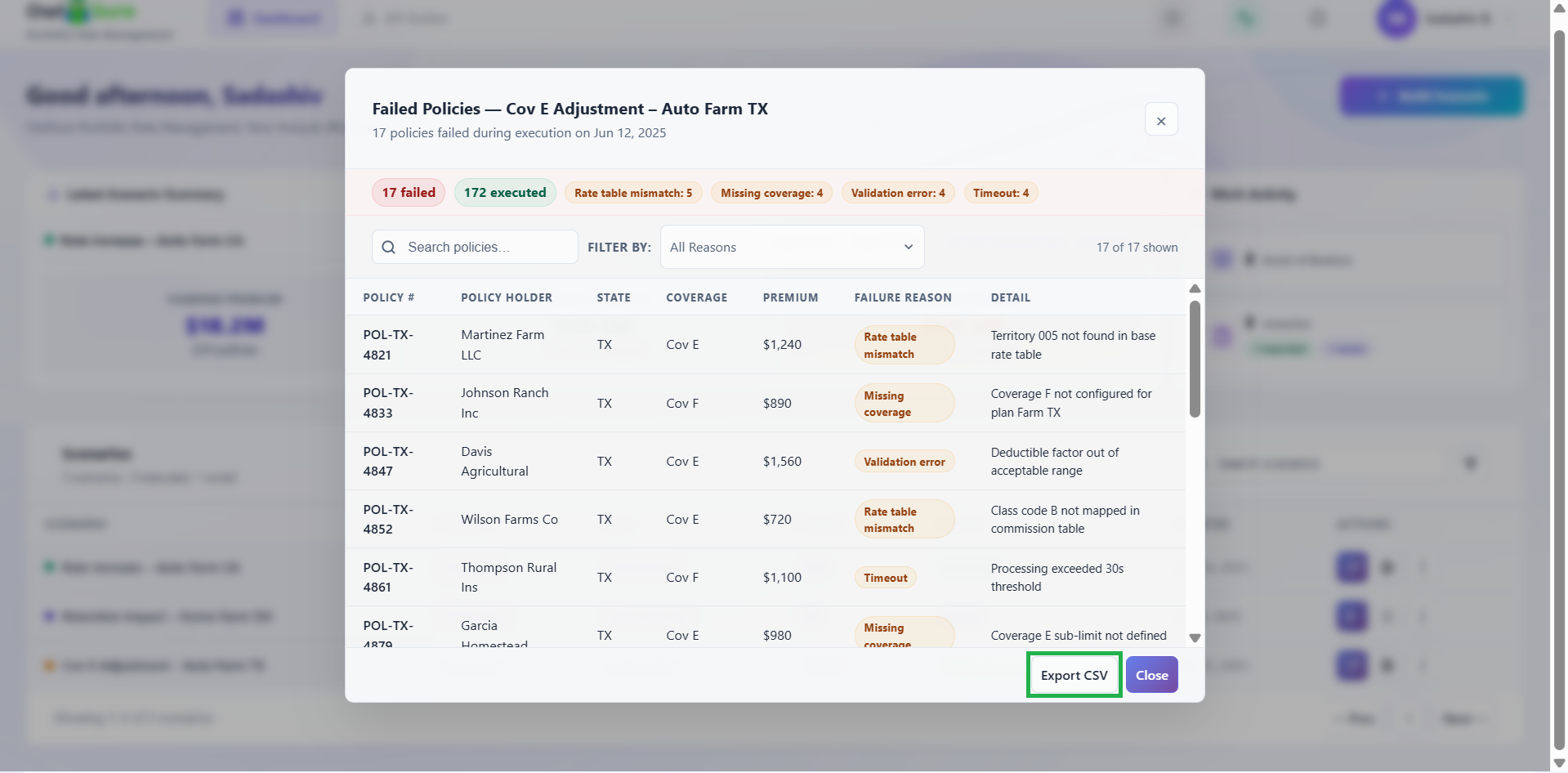
Failed policy details can be exported to CSV for offline analysis, operational remediation tracking, business review, audit and compliance documentation, and integration with external issue management workflows.
Having trouble? Refer to our FAQs or Troubleshooting guide to know more.